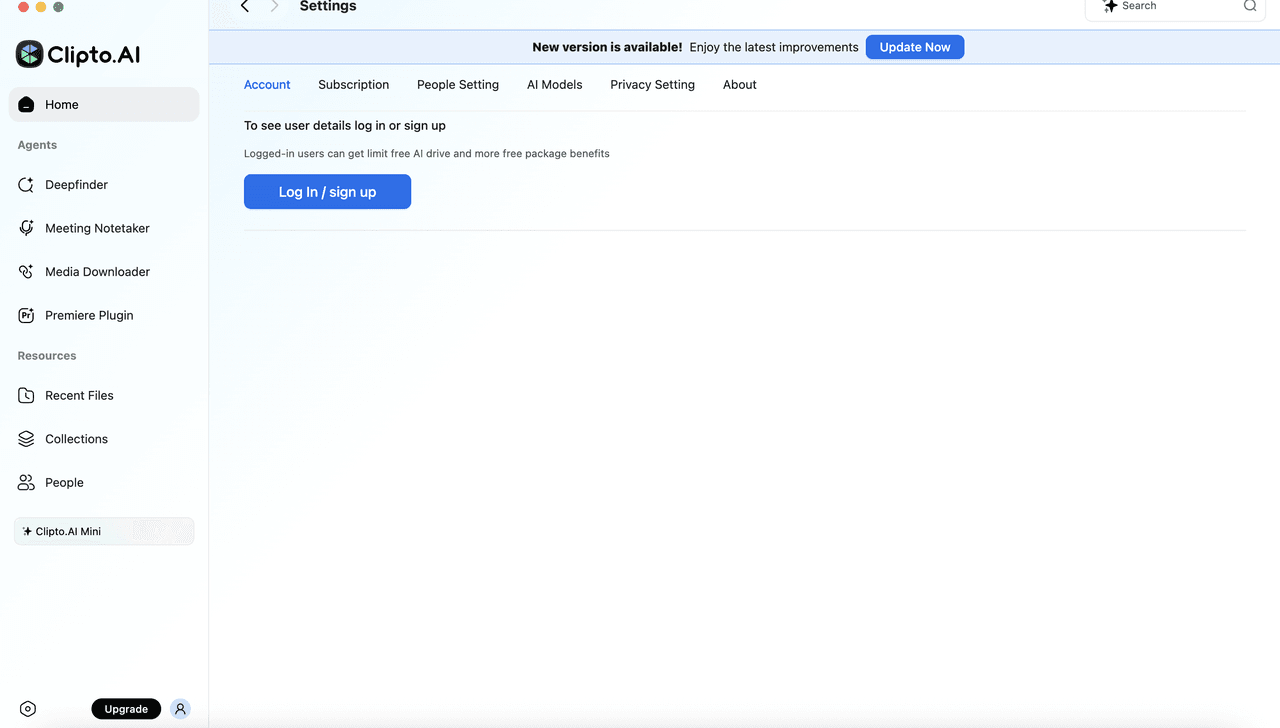
Step 1: Open the app → Enter email → Automatically registered.
- Open the Clipto app or web page.
- Click on "Settings" in the left navigation sidebar.
- On the Account page, click the "Log in" button.
Step 2: Enter Email Address
- The "Log in or sign up" window will pop up.
- Enter your email address
- Confirm your email address and click "Continue".
"Clipto uses email login; no separate username setup is required."
Step 3: Complete Login or Registration
- If the email is already registered:
- The system will guide you through login verification—your account's subscription information will sync directly.
- If the email is not yet registered:
- The system will automatically create a new account for you and complete registration.