Content Creators
Turn videos into searchable text, AI summaries and subtitles for blogs, social media and other content.

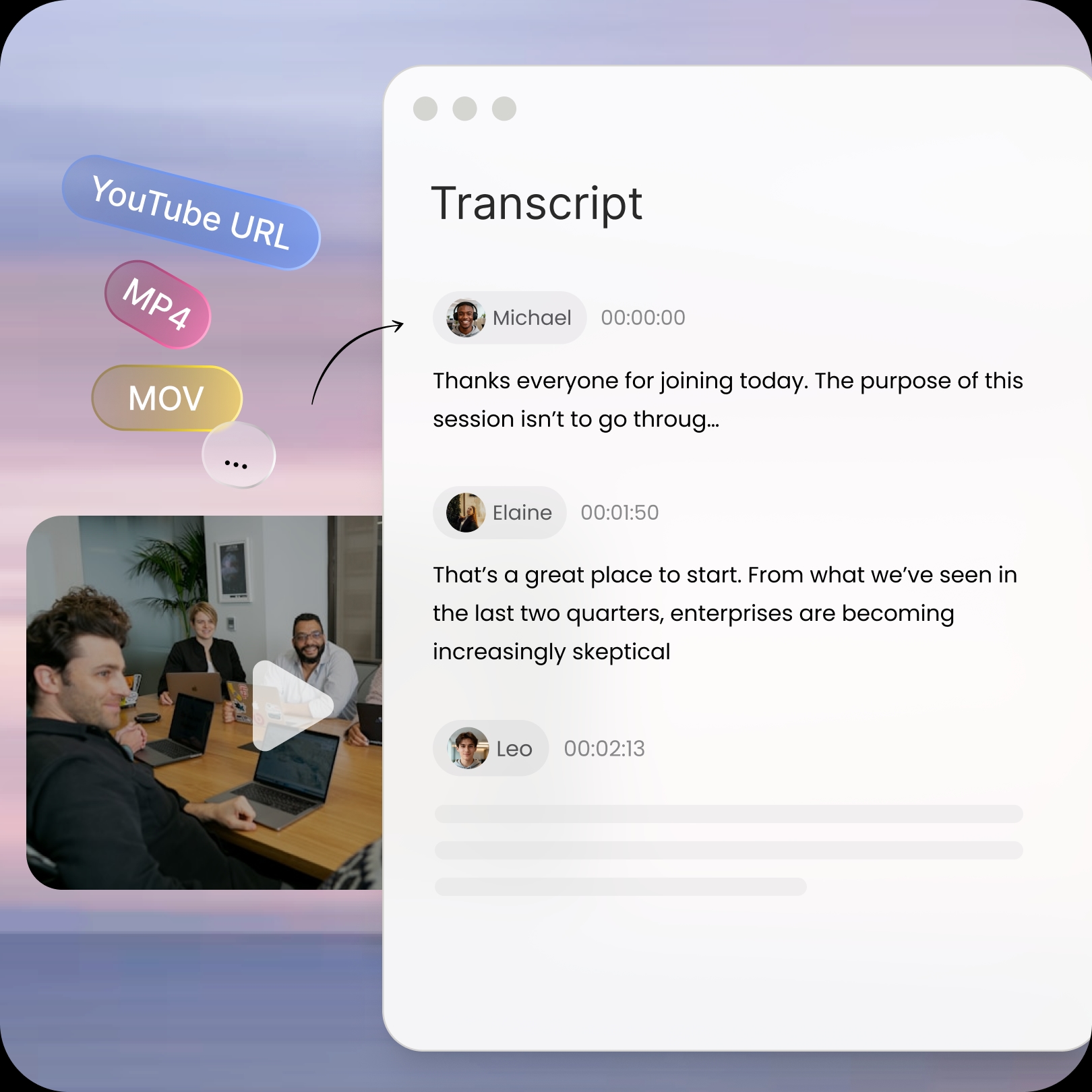
Upload a video or audio file from your local device to transcribe
+Upload Rated 4.7/5 on Trustpilot
 #1 Product of the Month on Product Hunt
 99% Accurate
 99+ Languages
 Translation
 AI Summary
 Video and Audio Files to Text
 Live Transcription
 Speaker Identification & Timestamp
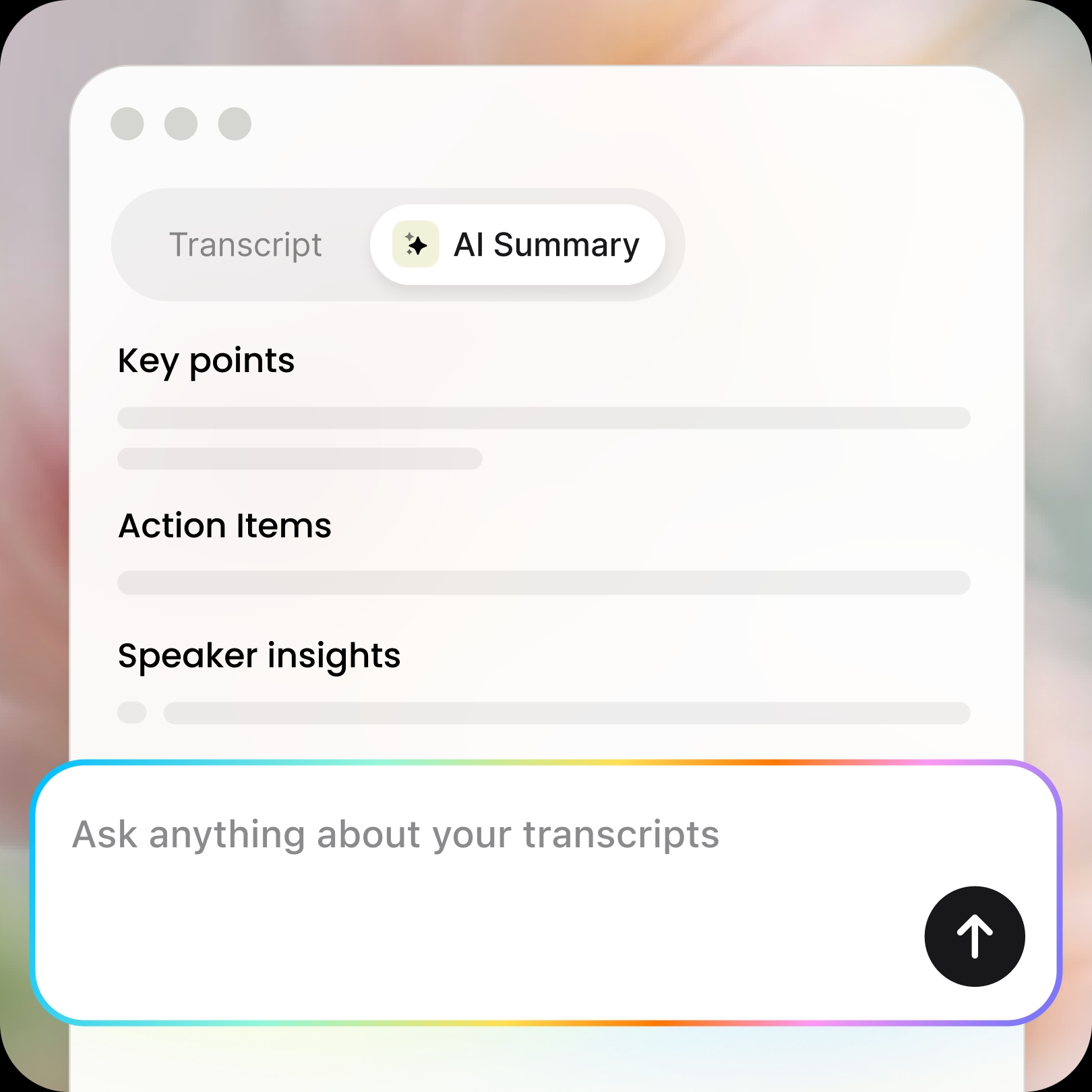
 AI-Generated Summaries
 99+ languages Transcription & Translation
 99+ Accuracy
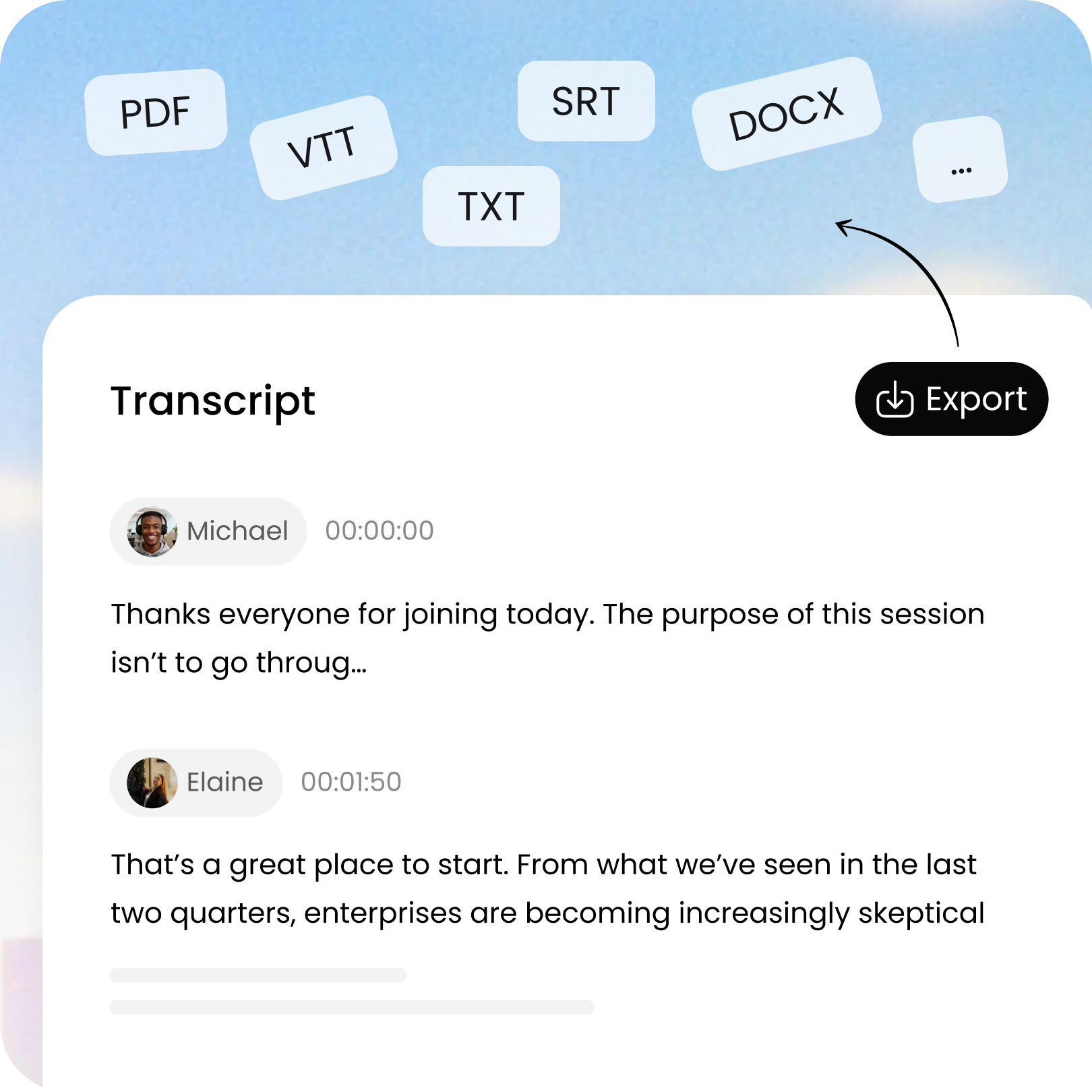
 Flexible Export
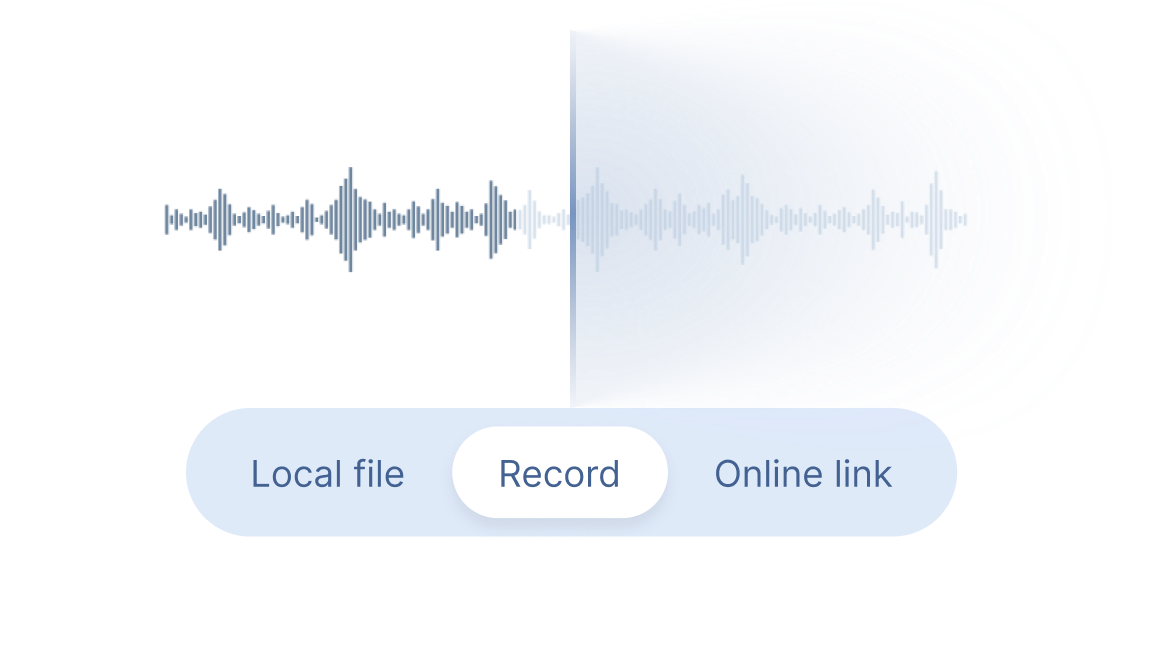
Choose "Local File" or "Online Link" to upload video files and generate complete transcripts, or select "Record" for real-time transcription. You don't need to stay on the page, the recording will continue in the background.
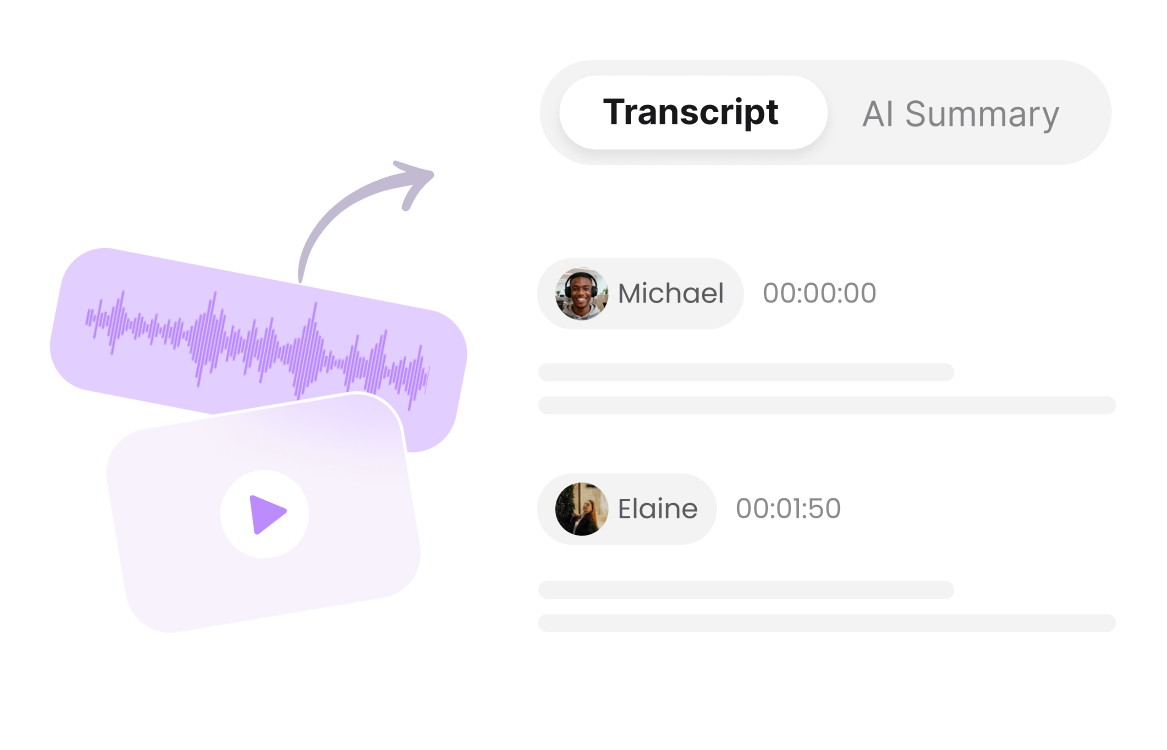
Clipto automatically converts speech into accurate text with speaker identification, timestamps and AI-powered summaries.
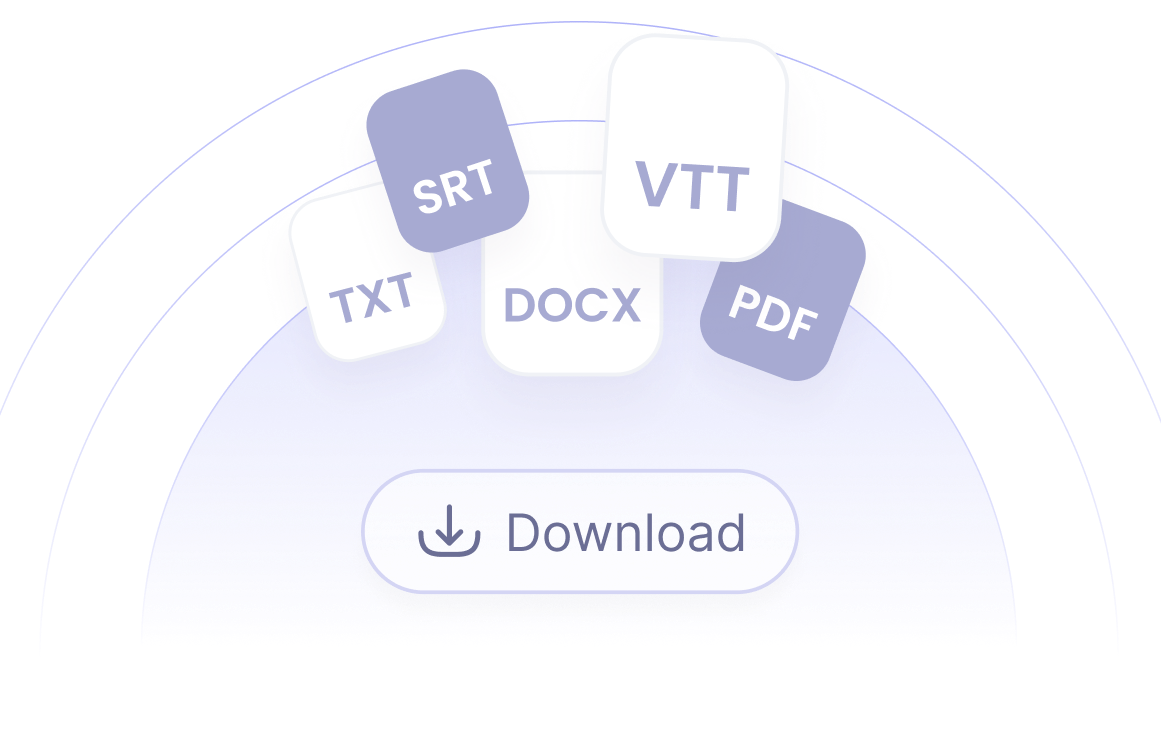
Export your transcript in TXT, DOCX, PDF, SRT or VTT format, or translate and share it with others.
Turn videos into searchable text, AI summaries and subtitles for blogs, social media and other content.

Convert lectures, tutorials and educational videos into transcripts and AI notes for easier study and review.

Never miss important discussions. Turn meeting recordings into transcripts with speakers, timestamps and AI summaries.

Transcribe video interviews into reusable text with speaker identification and timestamps to quickly find quotes and key insights.

Transcribe videos in 99+ languages and translate transcripts to make videos accessible across languages.

Transcribe sermon videos, worship services and religious teachings into accurate transcripts for study, sharing and archiving.