Speech to Text Converter
Convert speech to text in real time or from uploaded audio and video files. Create accurate transcripts, AI summaries, translations and chat with your transcripts.

Transcribe a local file
Upload a video or audio file from your local device to transcribe
+Upload Rated 4.7/5 on Trustpilot
 #1 Product of the Month on Product Hunt
 99% Accurate
 99+ Languages
 Translation
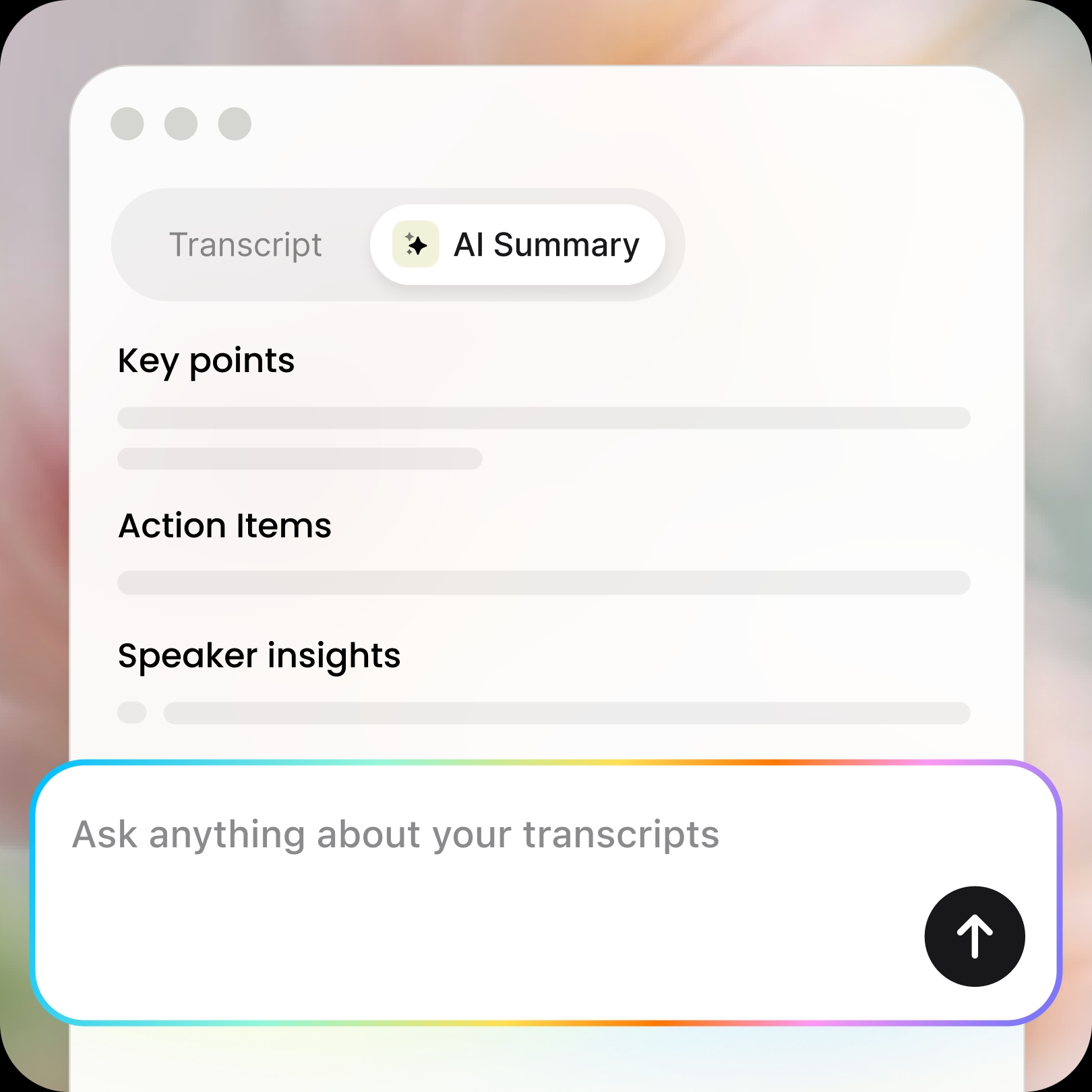
 AI Summary
How to Transcribe Speech to Text
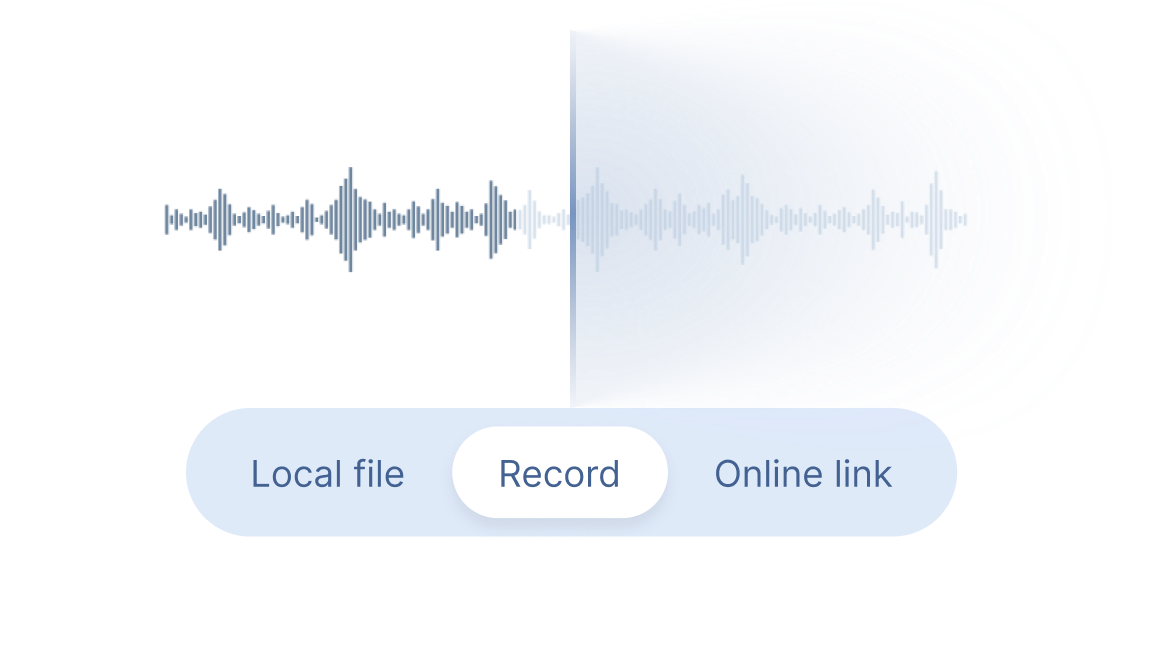
Step 1
Start Transcribing
Choose "Local File" or "Online Link" to upload audio or video files and generate complete transcripts, or select "Record" for real-time transcription. You don't need to stay on the page, the recording will continue in the background.
Step 2
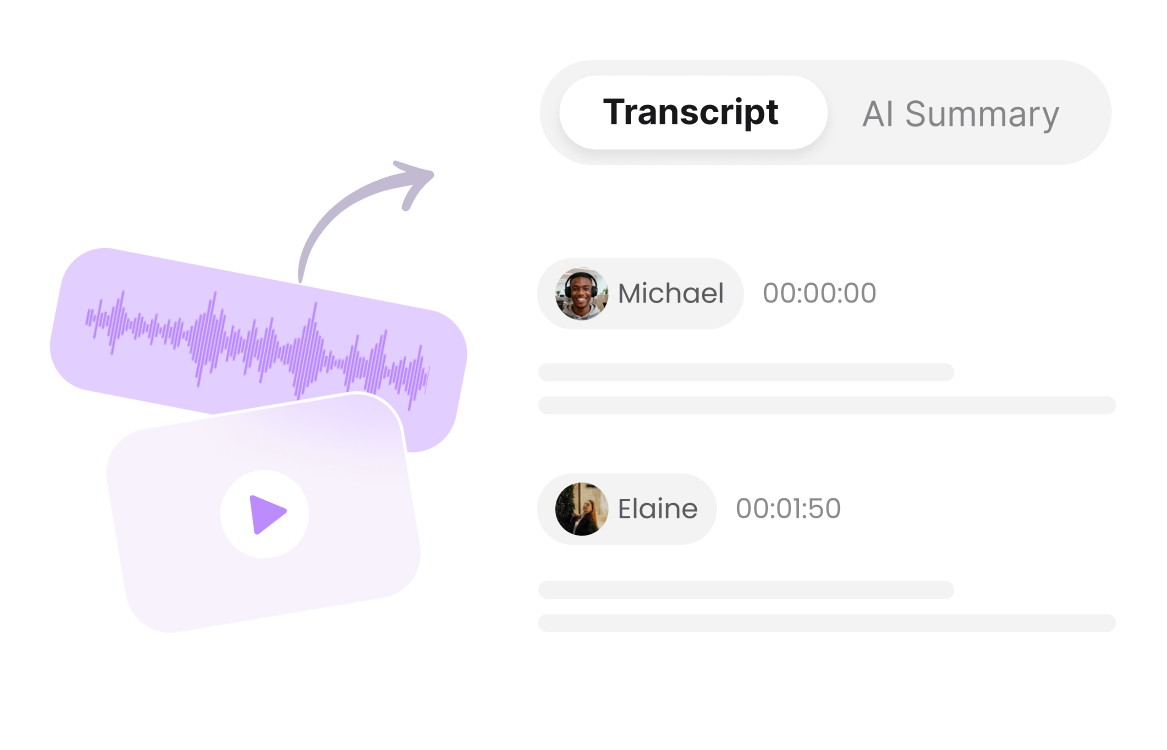
Get Transcript
Clipto automatically converts speech into accurate text with speaker identification, timestamps and AI-powered summaries.
Step 3
Download & Share
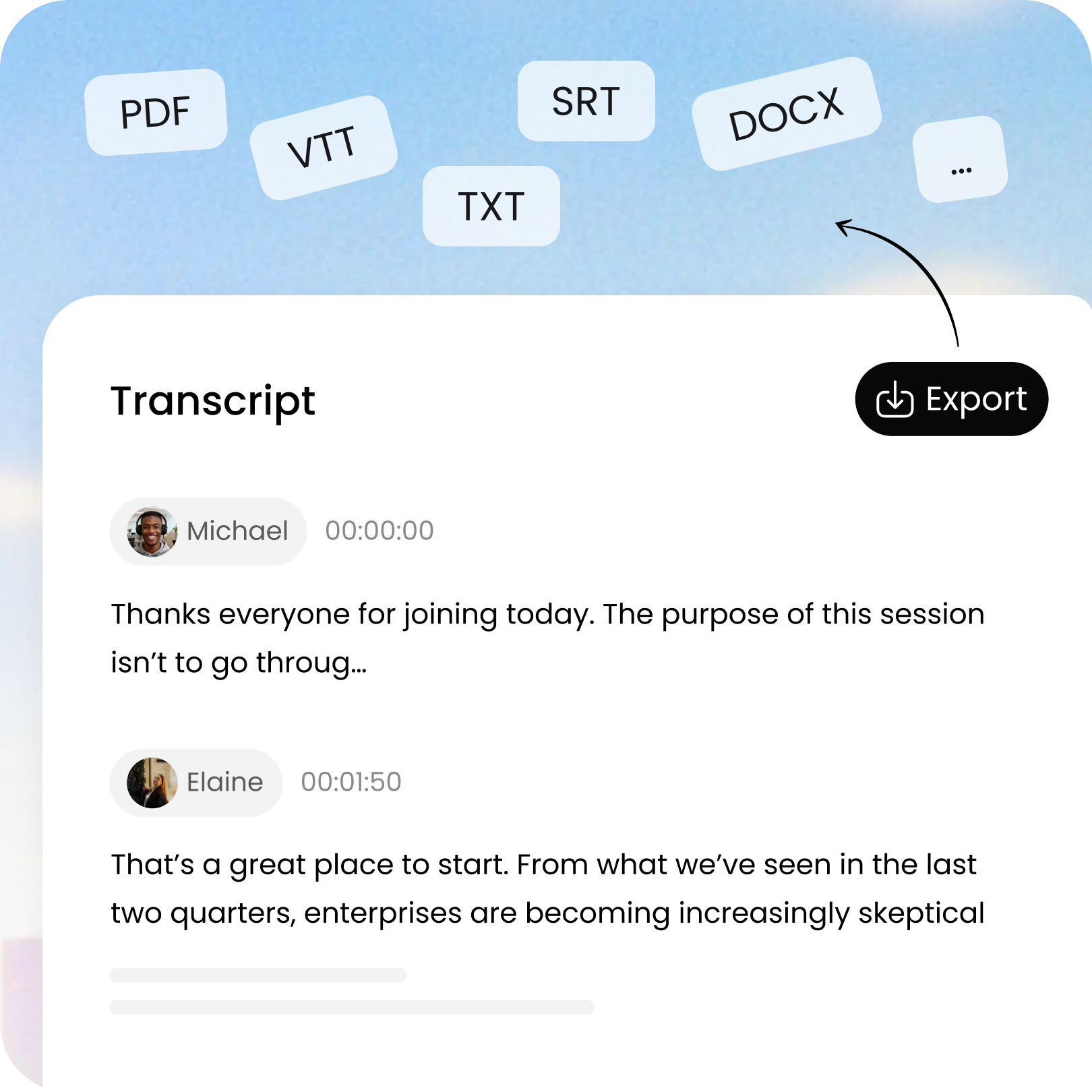
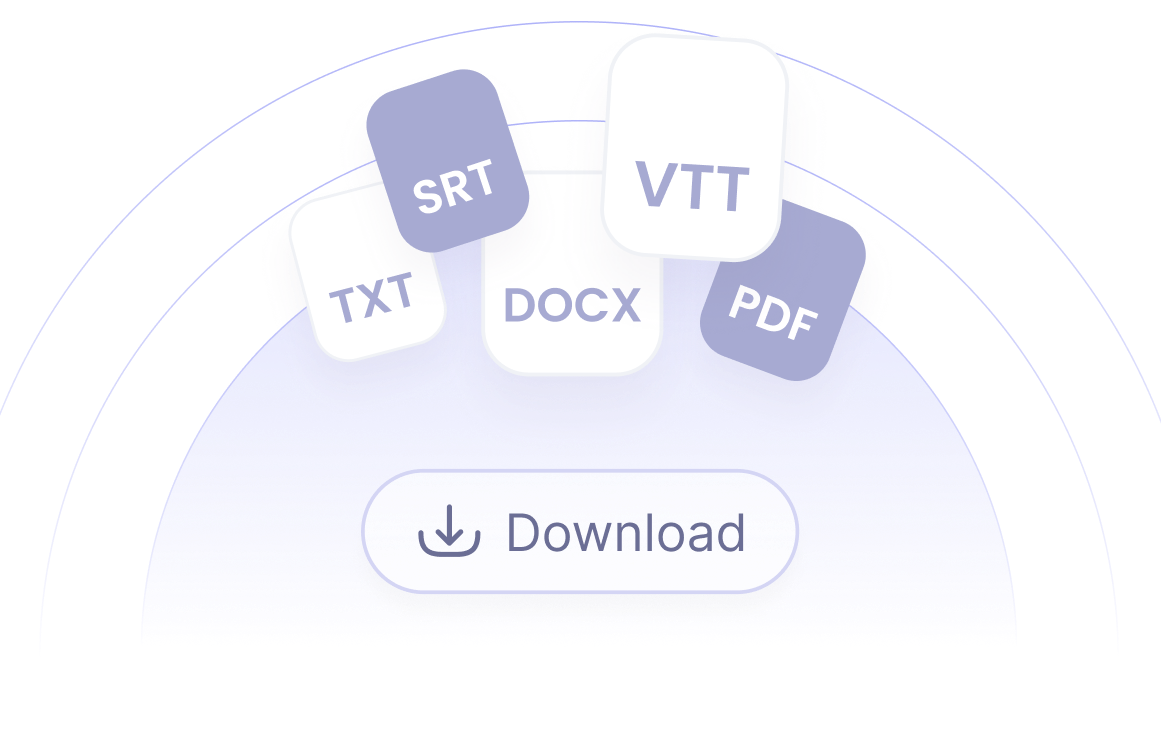
Export your transcript in TXT, DOCX, PDF, SRT or VTT format, or translate and share it with others.
Frequently Asked Questions
What Is Speech to Text?
Speech to Text is AI technology that converts spoken language into written text. It can transcribe live speech, audio, video, meetings and voice recordings quickly and accurately.
How Does Speech to Text Work?
Clipto uses advanced AI speech recognition to convert spoken words into text. Simply upload a file, paste an online link or start recording to generate accurate transcripts in seconds.
Which Languages Does Clipto Speech to Text Support?
Clipto supports speech-to-text transcription in 99+ languages and can also translate transcripts into multiple languages while preserving context and accuracy.
Can Speech to Text Work in Real Time?
Yes. Clipto supports real-time transcription, allowing you to capture live conversations, meetings and presentations as they happen.
Can I Use Speech to Text Tool Offline?
The online version of Clipto requires an internet connection. For offline transcription and enhanced privacy, you can use our Mac app, which processes files locally without uploading them to the cloud, ideal for sensitive content.
Can I Edit the Transcribed Text?
Yes. Once your transcript is generated, simply click Edit to make changes, correct text or update formatting before exporting or sharing.