Transcribe Spanish Audio to Text
Clipto is an AI-powered transcription tool designed to convert Spanish audio and video into accurate, readable text. With fast processing and high accuracy, it's perfect for anyone working with Spanish-language content.

Upload a local file
Upload a file from your computer for translation.

Transcribe from URL
Paste a media URL to transcribe it directly from the webpage.
How to Convert Spanish Audio and Video to Text
- 1. Upload Your Audio, Video, or Media LinkDrag and drop your Spanish audio or video file, paste a media URL, or record directly in Clipto's platform.
- 2. Choose the Target Language You’d Like to ConvertChoose Spanish as your transcription language or let Clipto auto-detect it. Our tool supports over 99 languages for seamless global use.
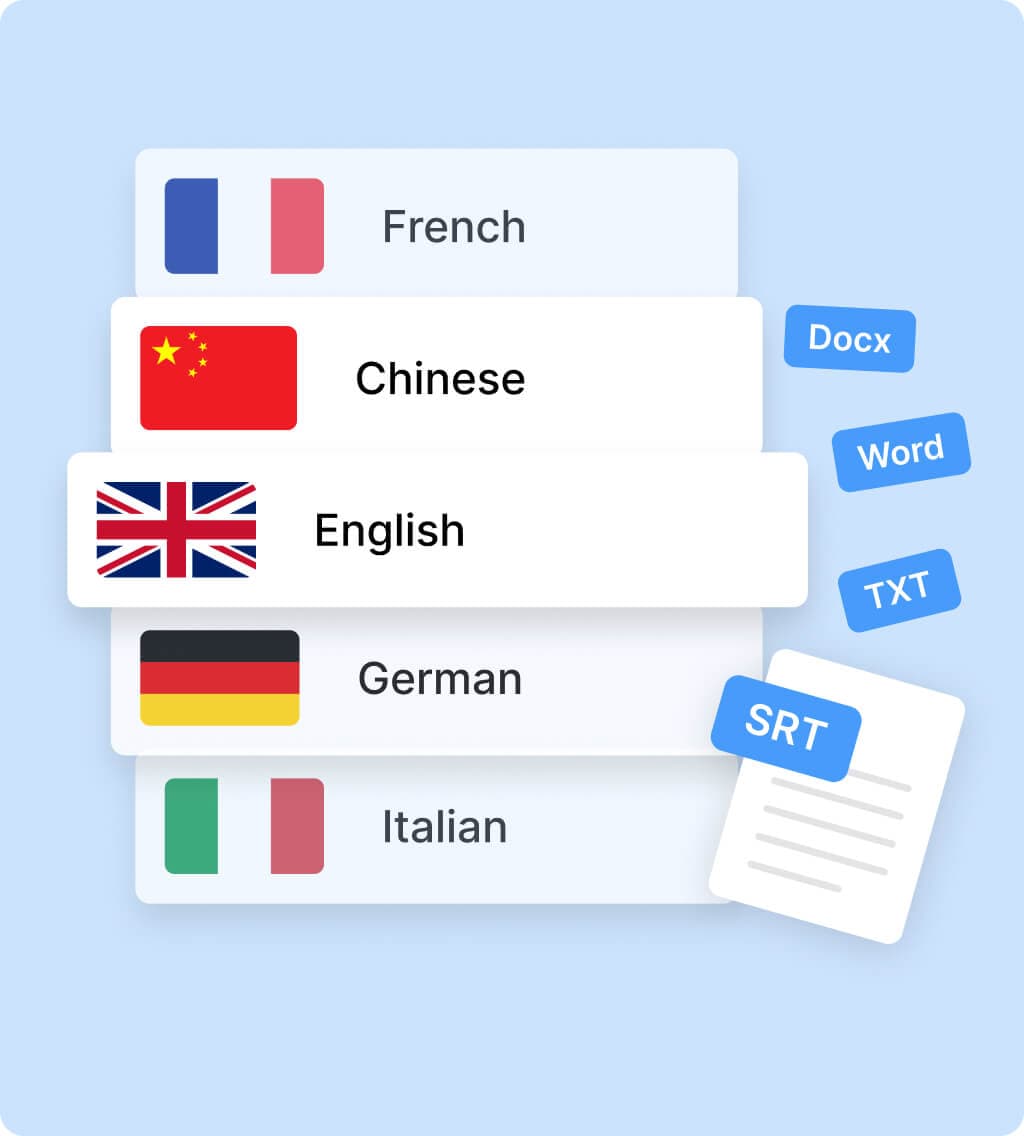
- 3. Preview and Share Your TranscriptGet fast, accurate results. Make quick edits, then export your transcript in formats like DOCX, TXT, SRT, or VTT—ready for subtitles, documentation, or translation.
7-day free trial, cancel anytime
Features of Spanish Transcription
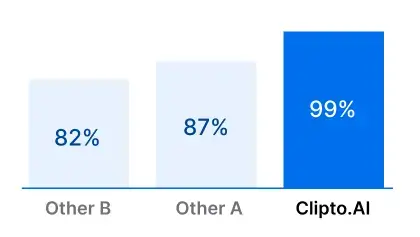
AI-Powered Accuracy
Easily convert spoken Spanish from audio or video into clean, reliable text using advanced AI for high-speed, high-precision results.
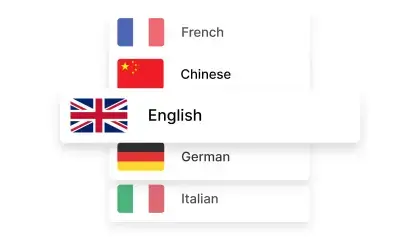
Supports 99+ Languages
Work across global markets with support for over 99 languages. Transcribe, translate, and manage multilingual content in one platform.
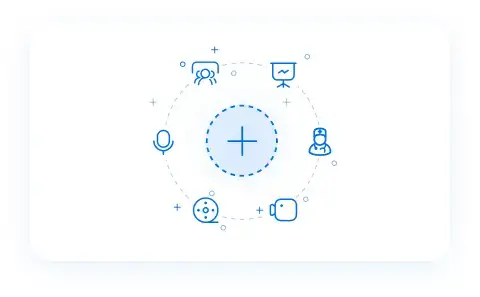
Flexible Upload Options
Upload Spanish files from your device, paste media URLs, or record directly within Clipto—whatever works best for your workflow.
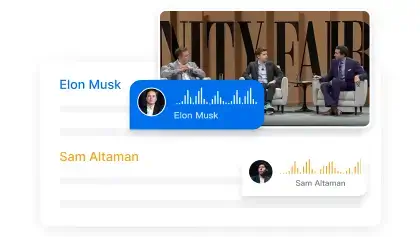
Speaker Identification
Automatically detect and distinguish between multiple speakers in your recordings, with the option to build a custom voice library.
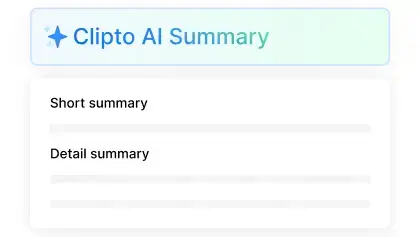
AI-Generated Summaries
Get the highlights from your Spanish audio without reading it all.
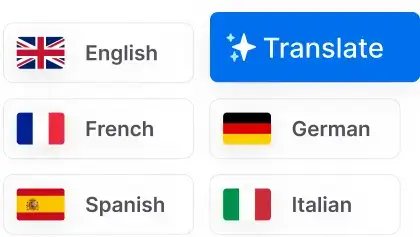
Multilingual Capabilities
Handle content in various languages with AI-driven tools designed to support international users and global teams.
Gain More Free Transcription
Enjoy a 7-day free trial and start converting your audio to text effortlessly. No limits, just accurate AI-powered transcription.
7-day free trial, cancel anytime
7-day free trial, cancel anytime
Translate Audio to Text with 99+ Language Support
Effortlessly transcribe multilingual audio to text with Clipto, supporting over 99 languages with 99% accuracy.


See all 99 languages
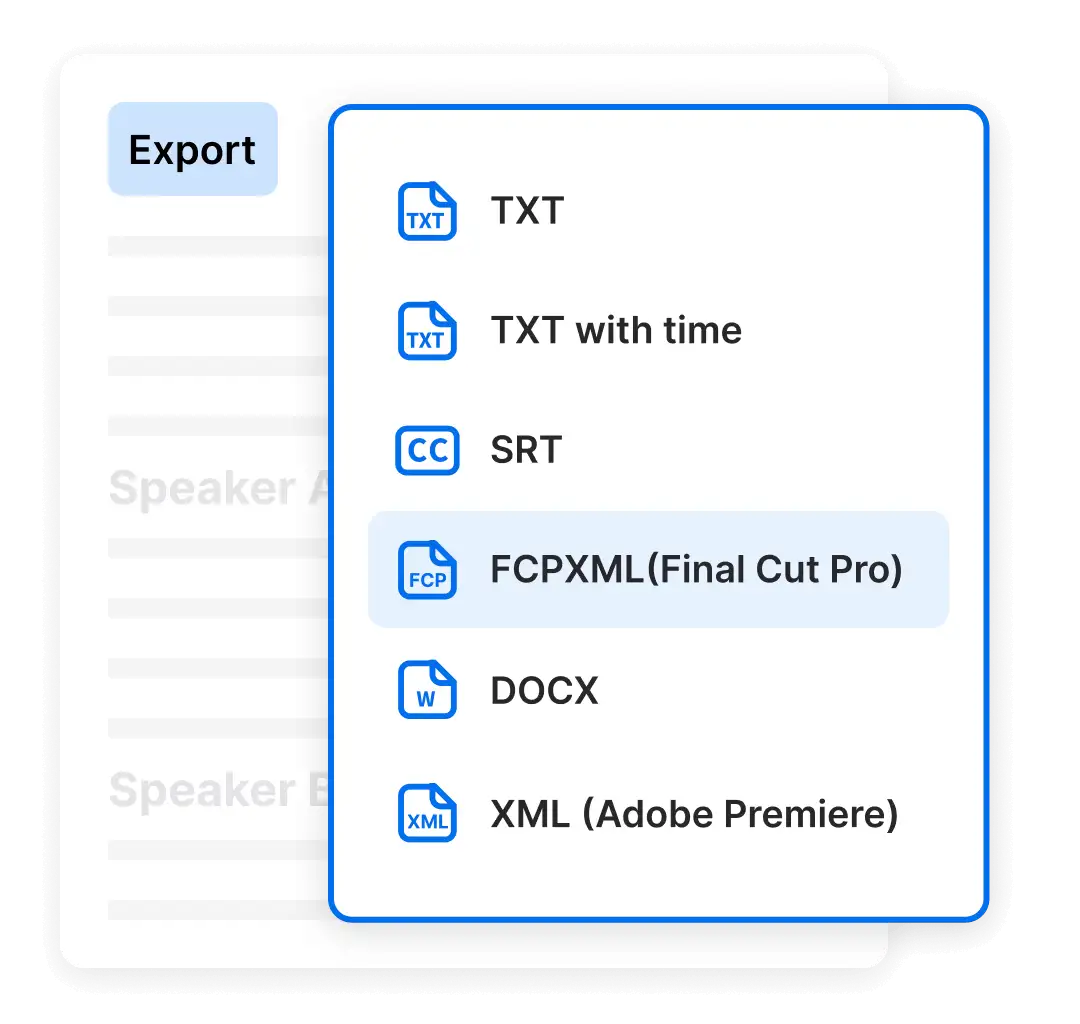
Versatile Exporting Solutions
Easily convert Spanish audio or video to text, with support for formats like SRT, VTT, and plain TXT. For streamlined editing, export directly to Final Cut or Premiere Pro project formats.
7-day free trial, cancel anytime
- Mp3 to TEXT
- Mp3 to SRT
- Mp3 to VTT
7-day free trial, cancel anytime
Choose the plan that fits your needs
YearlyMost Popular
$12.49
$24.99 / month
7-day free trial, then $149.88 a year
 Unlimited video & audio searchAutomatic speech transcriptionAutomatic people taggingSupport 99+ languagesAnalyze videos up to 6 hours longAccess to advanced models
By clicking "Start Free Trial", you agree to Clipto’s Terms of Service and Privacy Policy.
Frequently Asked Questions
How accurate is Clipto in Spanish transcription?
Clipto delivers up to 99% accuracy when you transcribe Spanish audio to text, providing clear and reliable results whether you're working with interviews, videos, or voice recordings. It also supports transcription in other major languages like English, Chinese, and French.
How many files can I transcribe with Clipto?
Unlimited. With a paid subscription, you can convert Spanish audio or video to text without any limits.
Which languages does Clipto support?
Clipto supports transcription and translation in over 99 languages, including Spanish, French, Chinese, Japanese, Arabic, and more—ideal for global users and teams.
How long does it take to convert a 10-minute audio to text?
Transcribing a 10-minute Spanish audio to text typically takes about 1 minute. Our AI tool ensures speed and accuracy, making the process fast and seamless.
What if my recording has multiple speakers?
Clipto automatically detects and separates multiple voices when transcribing Spanish audio to text. You can also create a custom voice library for recurring speakers.
Can I cancel my subscription anytime?
Absolutely! You can enjoy a 7-day free trial with Clipto and cancel your subscription at any time. For more information, please refer to our cancellation policy.
Is Clipto secure?
Yes, Clipto prioritizes security. Your data is protected with advanced encryption and strict privacy measures to ensure your transcriptions remain secure and confidential. You have full control to delete your files at any time.
How is Clipto different from other tools?
Clipto stands out with its AI-powered engine that delivers fast, accurate Spanish audio to text conversion. With support for 99+ languages, unlimited transcription, and smart speaker identification, it’s built for high-efficiency and professional results.
Start your FREE trial now!
Unlock the full potential of AI transcription with a 7-day Premium access pass. Enjoy features like accurate transcription, speaker identification, and multilingual support—all risk-free. Cancel anytime, hassle-free.
You might also like
AI Transcription Online
Video Transcript Generator
Video Transcription Online
Audio Transcription Online
TikTok Transcription Tool
Convert Video and Audio to Text
Youtube Video Transcript
Podcast Transcription
Court Transcription
Instagram video transcript
Translate French audio to English
Translate Audio to English
Note Taking software
Interview Transcription
Legal Transcription
Translate Portuguese Audio to English
Translate Spanish Audio to English
Translate Audio to Text
Audio to Text Converter
Convert MP4 To Text
Convert MP3 To Text
Youtube Shorts transcription Tool
Youtube Transcription Generator
Convert English Video Audio To Chinese Text
Speech to text free
Convert MP3 to SRT
Convert MP4 to SRT