Easily Convert MP3 to SRT with AI
Use AI to quickly convert MP3 files into SRT subtitle files. Fast, accurate, and supports over 99 languages—great for videos, captions, and accessibility.

Convert a local file
Simply upload an MP3 file and get SRT subtitles instantly.

Convert from URL
Easily convert MP3 to SRT—just paste a link from webpage.
Unmatched AI Transcription
Convert MP3 to SRT and extract accurate subtitles with Clipto. Enjoy unlimited uploads, multilingual support, and a fast way to streamline your transcription workflow.
7-day free trial, cancel anytime
7-day free trial, cancel anytime
Key Features of Clipto’s MP3 to SRT Converter
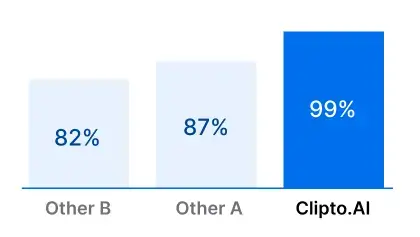
Accurately Extract SRT from MP3
Easily convert MP3 to SRT with high accuracy and generate time-stamped subtitles in seconds—no manual transcription required.
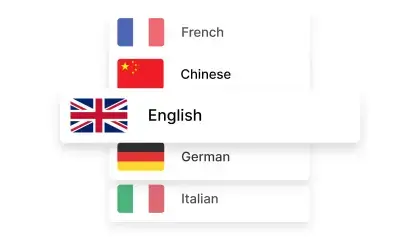
99+ Languages Supported
Convert MP3 to SRT in over 99 languages and generate accurate SRT subtitle files—ideal for global content, multilingual audiences, and international accessibility.
Convert Without Limits
No caps, no constraints—convert MP3 to SRT without worrying about quotas. Perfect for creators, teams, and anyone handling high volumes of audio.
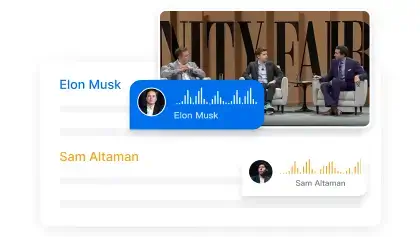
Speaker Identification
Automatically detect multiple speakers in your MP3 file while building a custom voice library for better organization—then convert MP3 to SRT with clear, labeled subtitles.
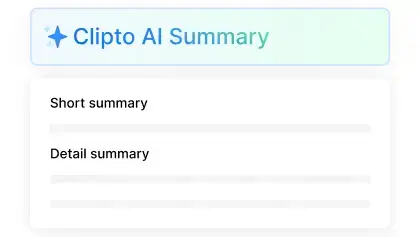
Video Transcription Summaries
Convert MP3 to SRT and effortlessly generate clear, concise summaries from video transcripts—perfect for quickly reviewing key points and highlights.
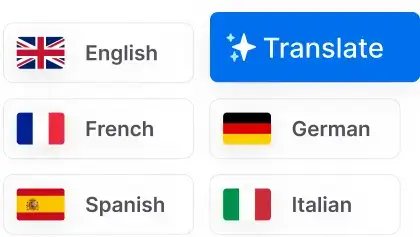
Secure File Handling
Keep your data private while you extract SRT subtitles from MP3 with encrypted transfers for secure and confidential processing.
Transcribe MP3 to SRT Across 99+ Languages
Transcribe MP3 to SRT in 99+ languages with high accuracy. Effortlessly generate subtitles from audio and video for a global audience.


See all 99 languages
Versatile Exporting Solutions
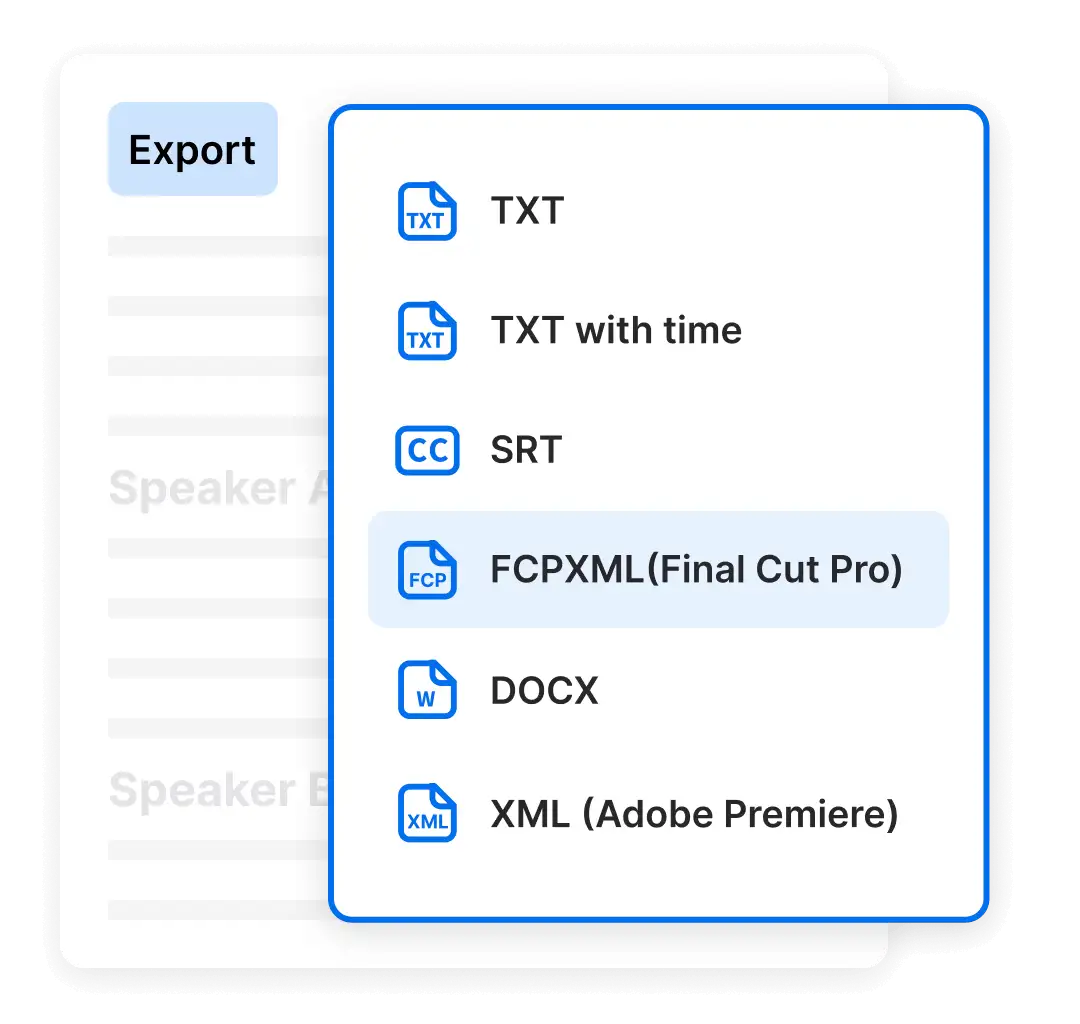
Go beyond just MP3 to SRT—export your transcripts in various formats including VTT and TXT. Designed for flexibility, it's easy to integrate with editing tools like Final Cut and Premiere Pro for a streamlined content workflow.
7-day free trial, cancel anytime
- Mp3 to TEXT
- Mp3 to SRT
- Mp3 to VTT
7-day free trial, cancel anytime
Choose the plan that fits your needs
YearlyMost Popular
$12.49
$24.99 / month
7-day free trial, then $149.88 a year
 Unlimited video & audio searchAutomatic speech transcriptionAutomatic people taggingSupport 99+ languagesAnalyze videos up to 6 hours longAccess to advanced models
By clicking "Start Free Trial", you agree to Clipto’s Terms of Service and Privacy Policy.
Frequently Asked Questions
How accurate is MP3 to SRT transcription?
You can extract SRT subtitles from MP3 files with impressive accuracy—often exceeding 99% for widely spoken languages like English, Spanish, and Mandarin. This high level of precision makes it a reliable choice for transcribing interviews, educational materials, podcasts, and other online media content. Adding accurate subtitles not only improves accessibility for global and hearing-impaired audiences but also boosts content engagement, searchability, and viewer retention across platforms.
How many MP3 files can I convert to SRT with Clipto?
With a paid subscription, you can convert an unlimited number of MP3 to SRT files using Clipto. There are no limits on uploads or transcriptions, so whether you're working with a few audio clips or handling high-volume projects, Clipto makes MP3 to SRT conversion fast, accurate, and scalable.
How to Generate an SRT from MP3 or Video with Clipto
Creating subtitles is simple with Clipto. Just upload your MP3 or video file, and the AI will quickly generate an accurate, time-stamped transcript. You can then export it as an SRT from MP3, or choose other formats like VTT or TXT, depending on your needs. Whether you're working with interviews, podcasts, tutorials, or social media content, Clipto makes MP3 to SRT conversion fast, reliable, and effortless.
How Long Does It Take to Generate an SRT from MP3 or Video?
With Clipto, converting a 10-minute MP3 to SRT takes less than a minute. The tool processes your file quickly and delivers an accurate, time-stamped subtitle file with minimal effort. Whether you're adding captions, organizing content, or making your audio more accessible, Clipto makes generating SRT from MP3 fast and reliable.
What If My MP3 File Includes Multiple Speakers?
Clipto handles multi-speaker MP3 files with ease, making it simple to generate accurate SRT subtitles and captions. The AI automatically identifies and separates different voices, ensuring each speaker’s dialogue is clearly organized in the transcript. You can easily review and fine-tune the text, then export it in subtitle-ready formats like SRT, VTT, or TXT. Whether you're creating captions for a podcast, interview, or panel discussion, Clipto delivers clean, editable subtitles—ready for publishing or post-production.
Can I Cancel My Subscription Anytime?
Absolutely! Clipto offers a 7-day free trial, and you can cancel your subscription anytime—no commitments or hidden fees. For more details, please check our cancellation policy. Sign up today and start transcribing risk-free!
How Does Clipto Ensure the Security and Privacy of My Content?
Clipto prioritizes security. Your data is protected with advanced encryption and strict privacy measures to ensure your transcriptions remain secure and confidential. You have full control over deleting your audio files at any time.
How Is Clipto Different from Other AI Transcription Tools?
Clipto is a powerful tool for generating SRT from MP3 files, offering key features that make it ideal for creators, educators, and professionals:
1. Extensive Language Support – Convert MP3 to SRT in 99+ languages, making your content accessible to a global audience.
2. Exceptional Accuracy – Enjoy high-precision SRT files from MP3 audio, outperforming many other AI transcription tools.
3. Unlimited Conversions – With a subscription, you can generate as many SRT subtitles from MP3 files as you need—no limits, no hidden fees.
4. Advanced Speaker Identification – Clipto automatically detects and labels multiple speakers, ensuring clear, well-structured subtitles for interviews, podcasts, and discussions.
Start your FREE trial now!
Unlock the full potential of AI transcription with a 7-day Premium access pass. Enjoy features like accurate transcription, speaker identification, and multilingual support—all risk-free. Cancel anytime, hassle-free.
You might also like
AI Transcription Online
Video Transcript Generator
Video Transcription Online
Audio Transcription Online
TikTok Transcription Tool
Convert Video and Audio to Text
Youtube Video Transcript
Podcast Transcription
Court Transcription
Instagram video transcript
Translate French audio to English
Translate Audio to English
Note Taking software
Interview Transcription
Legal Transcription
Translate Portuguese Audio to English
Translate Spanish Audio to English
Translate Audio to Text
Audio to Text Converter
Convert MP4 To Text
Convert MP3 To Text
Youtube Shorts transcription Tool
Youtube Transcription Generator
Convert English Video Audio To Chinese Text
Speech to text free
Convert MP4 to SRT