MP3 to Text Converter

Convert MP3 to Text quickly and accurately. Generate AI-powered audio transcripts with summaries and support for 99+ languages. Start your free trial today.

TrustpilotRated 4.7/5 on Trustpilot
Product Hunt#1 Product of the Month on Product Hunt
Accuracy99% Accurate
Languages99+ Languages
TranslationTranslation
AI SummaryAI Summary

AI-PoweredMP3 Transcription

  • Video and Audio Files to TextVideo and Audio Files to Text
  • Live TranscriptionLive Transcription
  • Speaker Identification & TimestampSpeaker Identification & Timestamp
  • AI-Generated SummariesAI-Generated Summaries
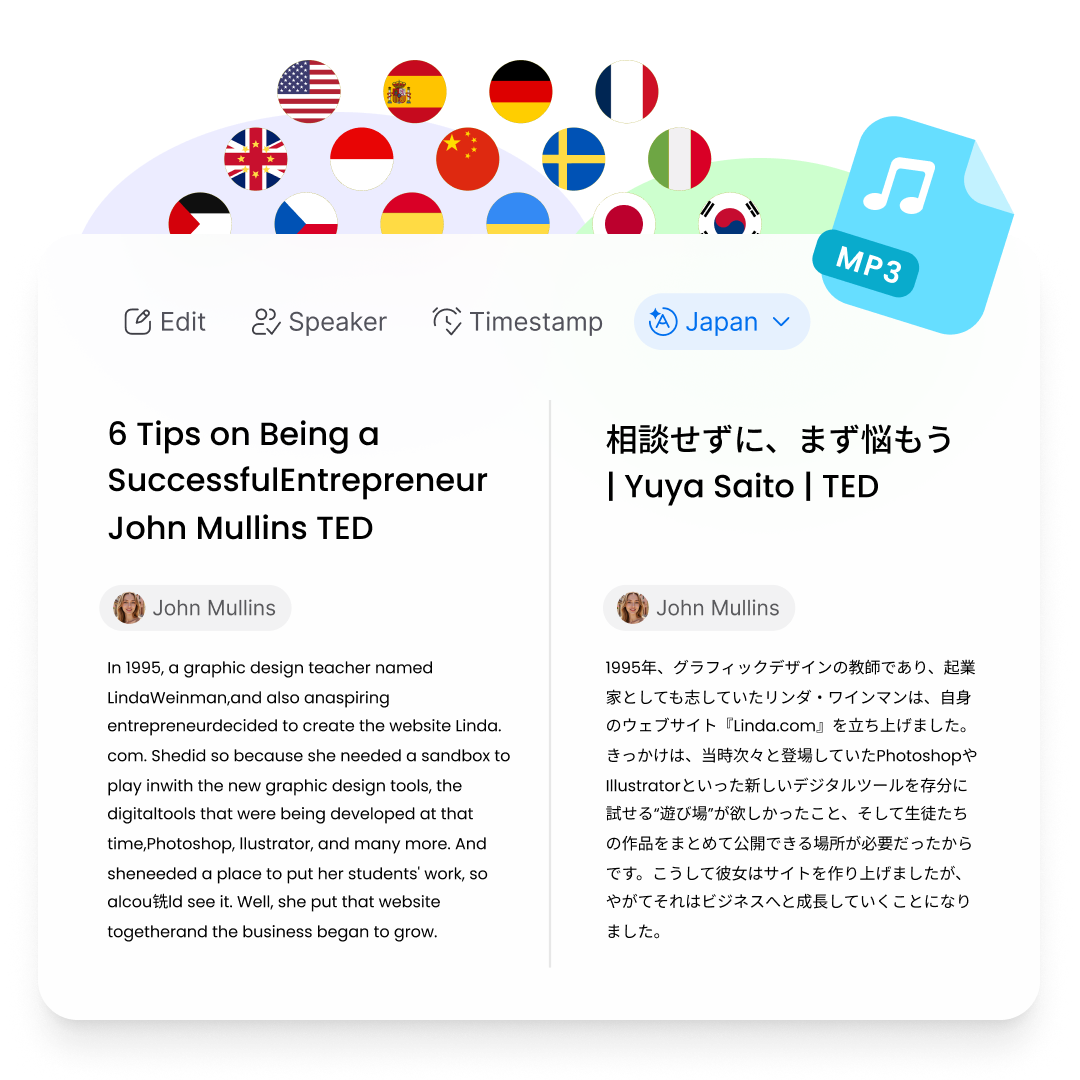
  • 99+ languages Transcription & Translation99+ languages Transcription & Translation
  • 99+ Accuracy99+ Accuracy
  • Flexible ExportFlexible Export

How to Transcribe MP3 to Text

Step 1

Start Converting

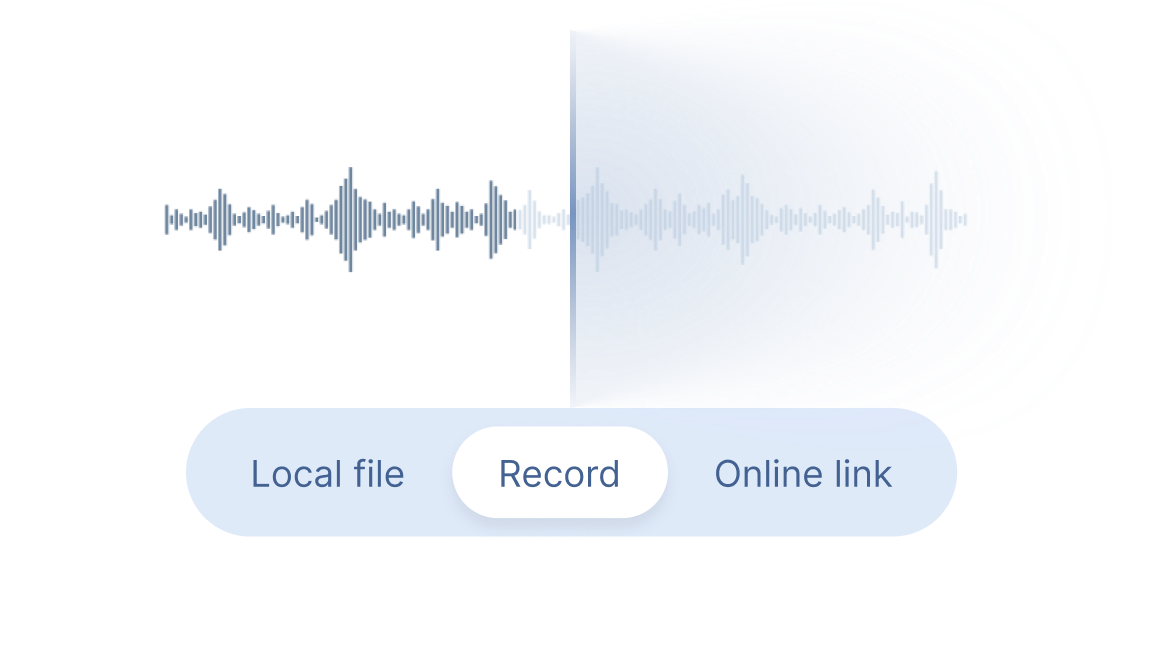
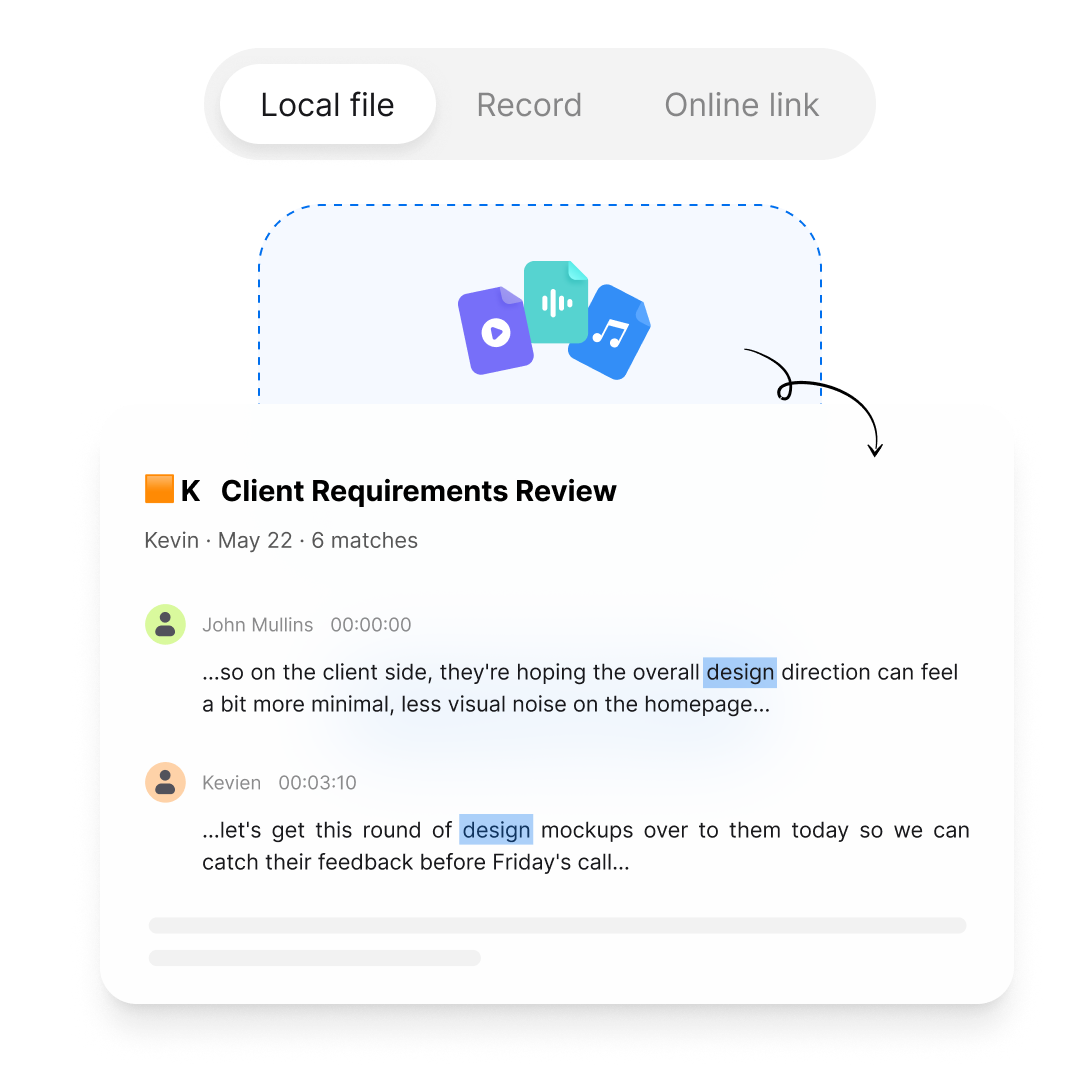
Upload an MP3 file or paste an online audio link and let Clipto's AI MP3 to Text Converter automatically convert audio into accurate text.

Record Banner
Step 2

Get MP3 Transcripts

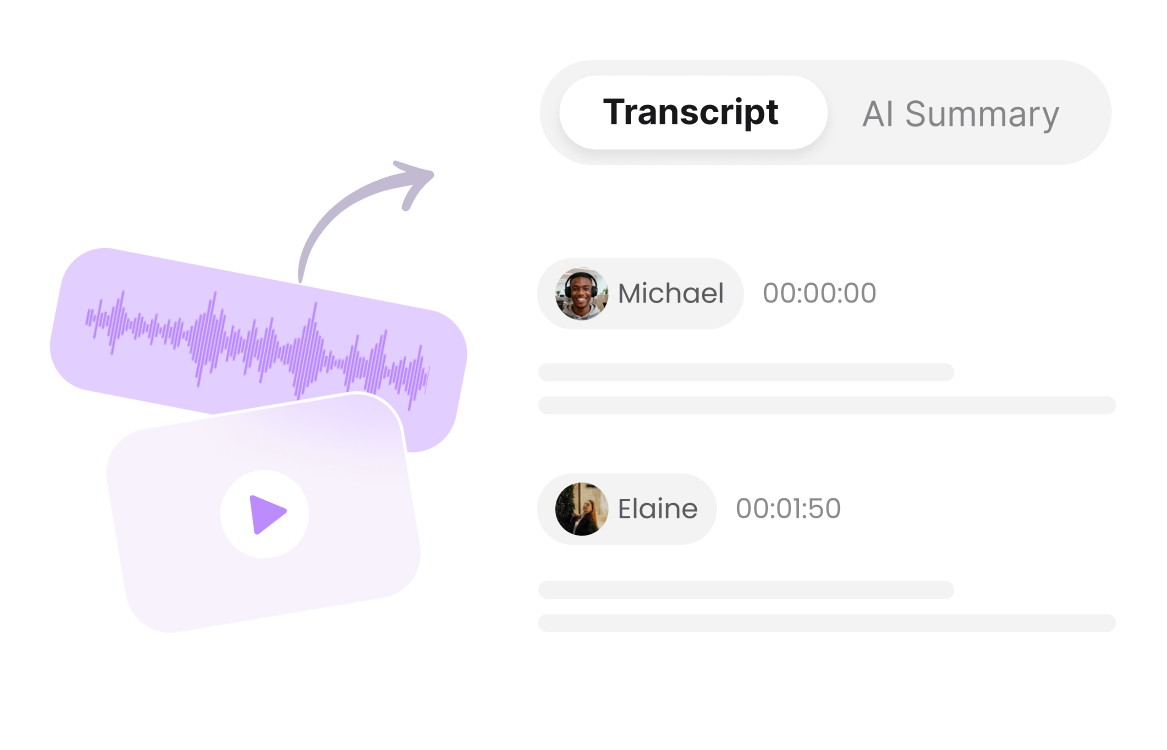
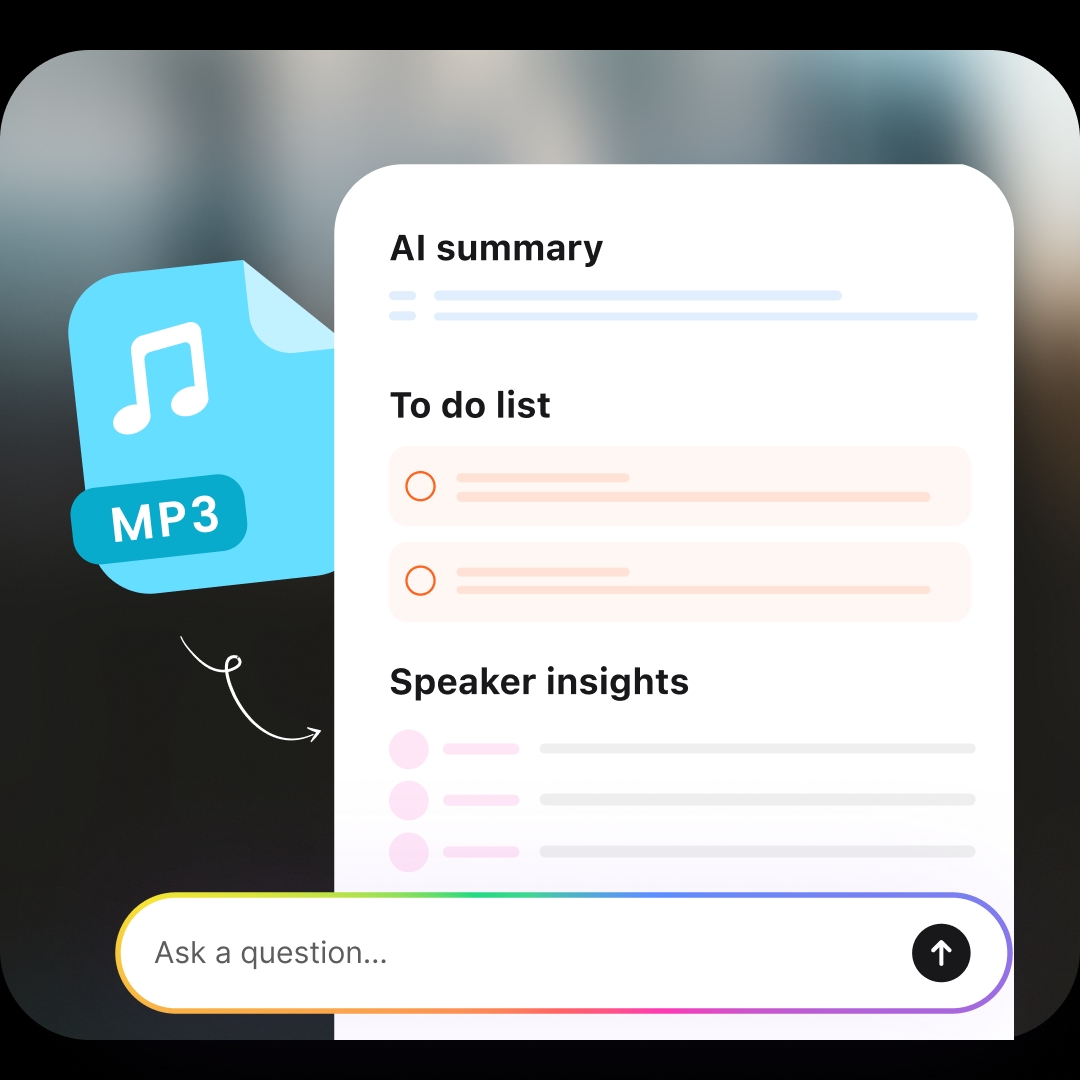
Generate accurate audio transcripts with timestamps, speaker labels, AI summaries and support for 99+ languages.

Record Banner
Step 3

Download & Share

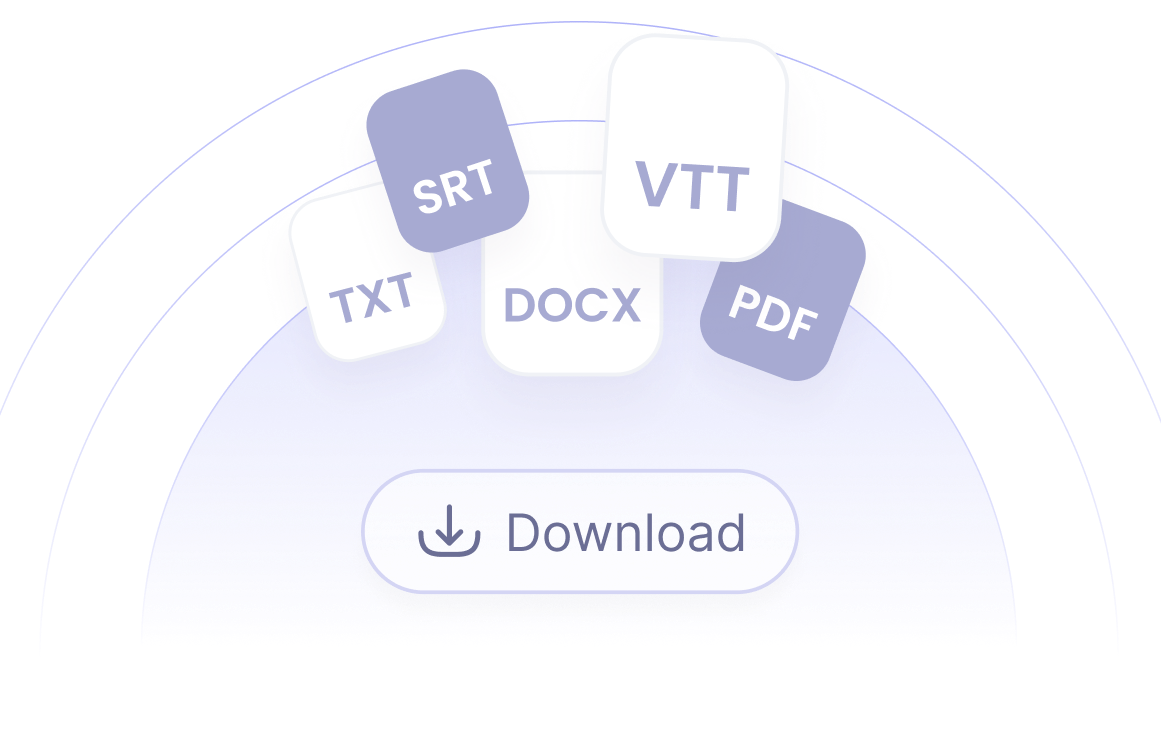
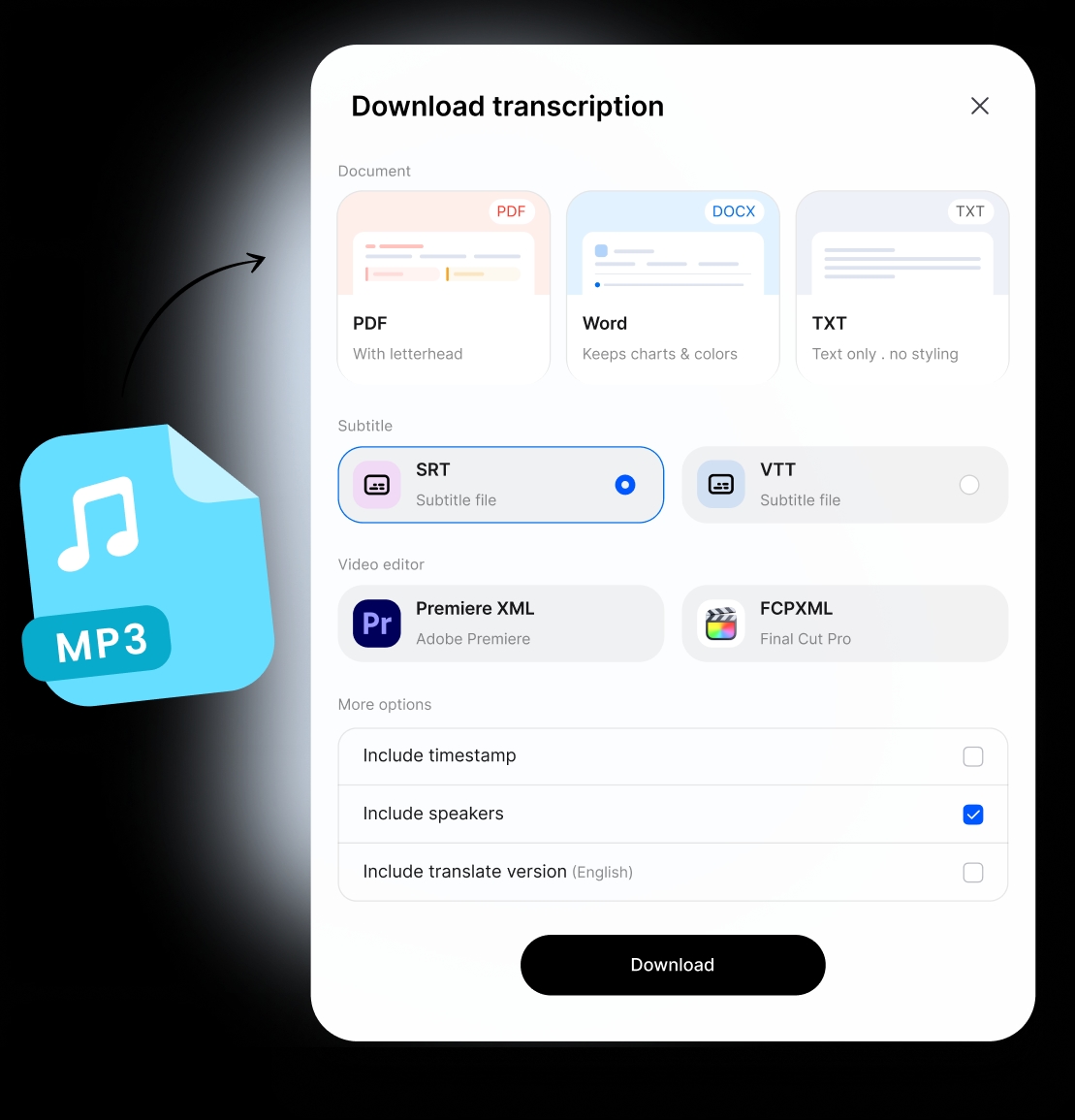
Download your converted MP3 text as TXT, DOCX, PDF, SRT or VTT files and use it for notes, captions, documentation or content creation.

Record Banner

MP3 to Text Converter for Different Use Cases

Meetings & Voice Recordings

Convert MP3 meeting recordings, voice notes and conversations to searchable text with accurate transcripts, timestamps, speaker label and AI summaries.

Podcasts & Content Creation

Transcribe podcasts, interviews and audio content to text for captions, articles, summaries and reusable content.

Students & Lectures

Convert MP3 lecture recordings, classes and study materials into searchable notes with AI summaries and key insights.

Interviews & Research

Turn MP3 interviews, discussions and research recordings into accurate transcripts to quickly find important information and insights.

Professionals & Businesses

Convert MP3 calls, presentations and training recordings into organized transcripts for documentation, review and knowledge sharing.

Faith & Ministries

Convert sermons, Bible studies, and ministry recordings into searchable transcripts. Easily review messages, create study materials and share with your community.
Frequently Asked Questions

What is an MP3 to Text Converter?

An MP3 to Text Converter is an AI-powered tool that converts MP3 audio files into written text. Clipto uses AI transcription technology to turn MP3 recordings, podcasts, meetings and voice notes into accurate, searchable transcripts with timestamps and speaker identification.

How can I transcribe YouTube audio to text?

You can transcribe YouTube audio by copying the video or audio link and importing it into Clipto MP3 to Text Converter. The AI transcription tool extracts the audio, converts speech into text, and generates accurate transcripts with summaries and AI-powered insights.

What audio formats are supported besides MP3?

Besides MP3, Clipto supports various audio formats including WAV, M4A, AAC, FLAC, and more. You can convert different audio files to text and generate searchable transcripts with AI MP3 transcription.

Can I edit the MP3 transcription?

Yes. After converting MP3 to text, you can review and edit your transcripts directly. Clipto provides searchable text, timestamps, and speaker labels to help you quickly refine and organize your content.

Can I convert MP3 to text offline?

Clipto's web transcription tool requires an internet connection to process MP3 files. For users who need local processing, Clipto Mac / Windows supports on-device AI transcription for private audio and video files without uploading content.

How accurate is MP3 to Text conversion?

Clipto uses advanced AI speech recognition technology to generate accurate MP3 transcripts. Accuracy may vary depending on audio quality, background noise and speaker clarity, but features like speaker identification and timestamps help create reliable transcripts.