Convert MP4 to SRT

Convert a local file

Convert from URL
Unmatched AI Transcription
Convert MP4 to SRT with precision using Clipto. Enjoy accurate subtitles, unlimited uploads, and seamless support for multiple languages.
Key Features of Clipto’s MP4 to SRT Converter
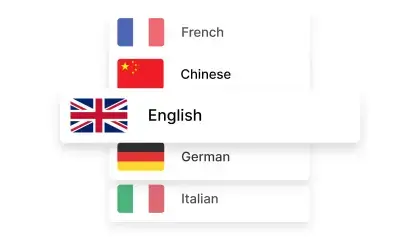

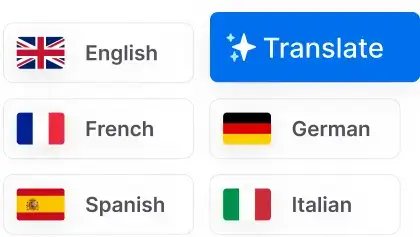
Transcribe MP4 to SRT Across 99+ Languages
Generate SRT from MP4 in 99+ languages with AI-powered accuracy. Easily transcribe video files and create subtitles for global audiences.


Versatile Exporting Solutions
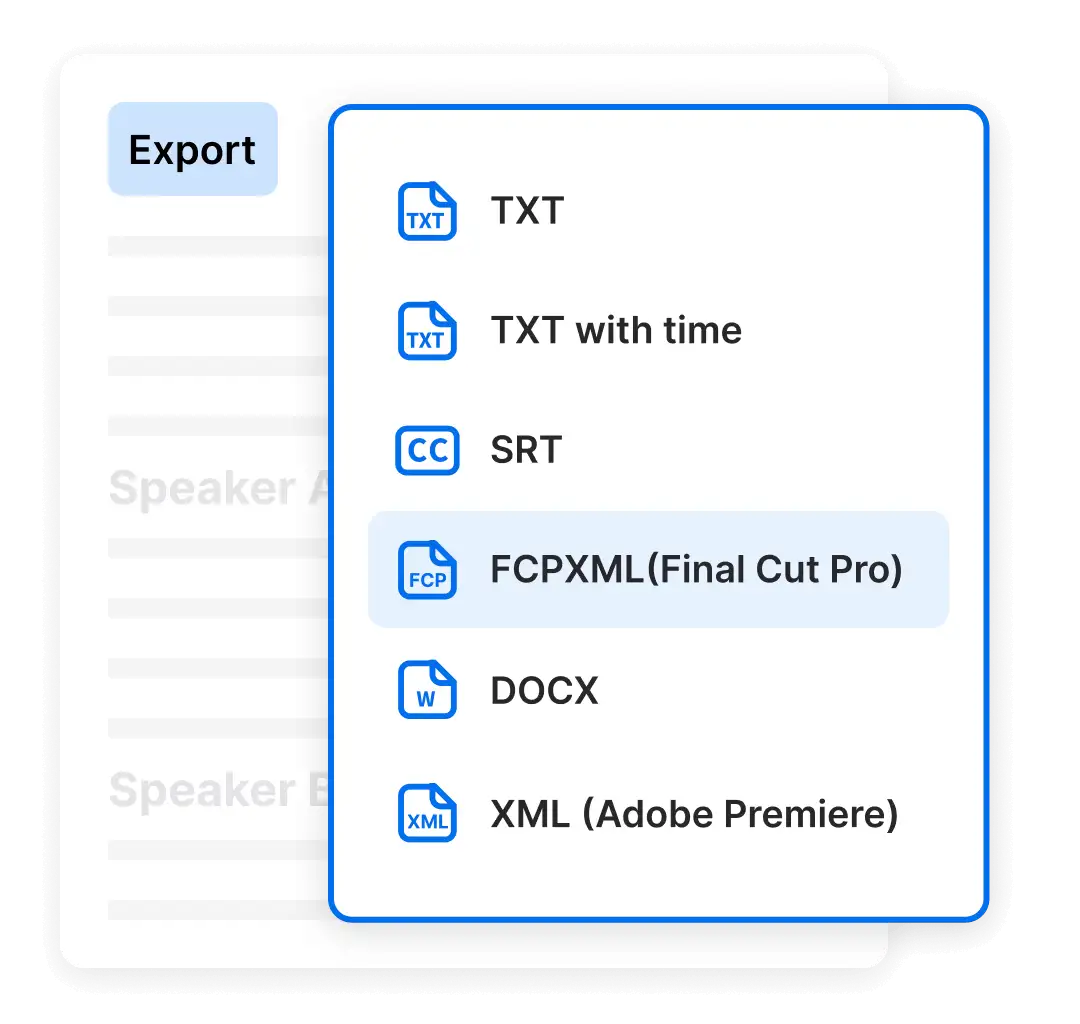
Go beyond converting MP4 to SRT. Clipto allows you to export your transcripts into multiple formats such as VTT and TXT, enhancing versatility for different use cases. Designed with flexibility in mind, Clipto seamlessly integrates with popular editing tools like Final Cut Pro and Premiere Pro, streamlining your content creation workflow.
- Mp3 to TEXT
- Mp3 to SRT
- Mp3 to VTT
Choose the plan that fits your needs
 Unlimited video & audio searchAutomatic speech transcriptionAutomatic people taggingSupport 99+ languagesAnalyze videos up to 6 hours longAccess to advanced models
Frequently Asked Questions
How Accurate is MP4 to SRT Transcription?
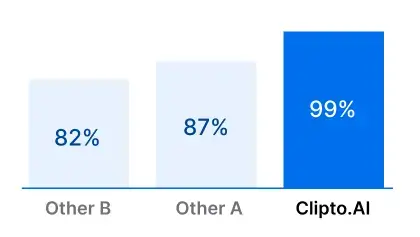
Extracting SRT subtitles from MP4 files offers remarkable accuracy, often exceeding 99% for widely spoken languages such as English, Spanish, and Mandarin.
This level of precision makes MP4 to SRT conversion an excellent choice for transcribing video interviews, educational content, webinars, and other media types. Accurate subtitles enhance accessibility for international audiences and viewers with hearing impairments, while also improving content engagement, searchability, and viewer retention across online platforms.
How many MP4 files can I convert to SRT with Clipto?
How to Generate an SRT from MP4 with Clipto
Generating subtitles from MP4 videos is straightforward with Clipto. Simply upload your MP4 file, and the AI quickly creates an accurate, time-stamped transcript.
You can then easily export the subtitles as an SRT file or select other formats like VTT or TXT based on your requirements. Clipto simplifies the MP4 to SRT conversion process, making it fast, reliable, and ideal for video interviews, tutorials, webinars, social media clips, and more.
How Long Does It Take to Generate an SRT from MP4?
What if My MP4 File Includes Multiple Speakers?
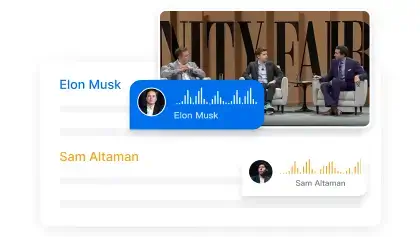
Clipto accurately processes MP4 files featuring multiple speakers, simplifying the creation of clear and organized SRT subtitles. The AI automatically detects and distinguishes between individual speakers, ensuring each person’s dialogue is correctly segmented in the transcript. You can quickly review, edit, and export subtitles in formats such as SRT, VTT, or TXT.
Ideal for interviews, webinars, panel discussions, or group videos, Clipto streamlines the MP4 to SRT conversion process, delivering precise, publication-ready subtitles.
Can I Cancel My Subscription Anytime?
How Does Clipto Ensure the Security and Privacy of My Content?
How Is Clipto Different from Other AI Transcription Tools?
Clipto is a robust solution specifically designed to convert MP4 files to SRT subtitles efficiently and accurately. Its standout features make it ideal for creators, educators, and professionals:
1. Extensive Language Support – Generate SRT subtitles from MP4 videos in 99+ languages, expanding your reach to a global audience.
2. Exceptional Accuracy – Benefit from highly precise MP4-to-SRT conversions, surpassing many other AI transcription solutions in accuracy.
3. Unlimited Conversions – With a subscription, convert an unlimited number of MP4 files to SRT, without hidden fees or restrictions.
4. Advanced Speaker Identification – Clipto automatically identifies and labels multiple speakers, providing clear, organized, and easy-to-follow subtitles—perfect for interviews, webinars, podcasts, and panel discussions.