Podcast Transcription
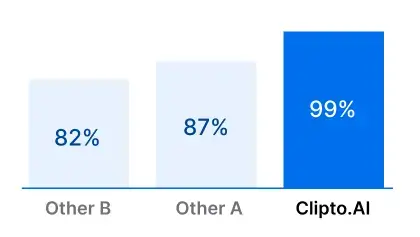
Effortlessly transcribe your podcast with Clipto, the top AI transcription tool that delivers 99% accuracy in over 99 languages.

Transcribe a local file
Upload a video or audio file from your local device to transcribe

Click to upload or drag and drop
Best Podcast Transcript Generator Tool
Get accurate podcast transcriptions, unlimited uploads, and multilingual support, streamlining your workflow with Clipto.
Key Features of Powerful Poadcast Transcription
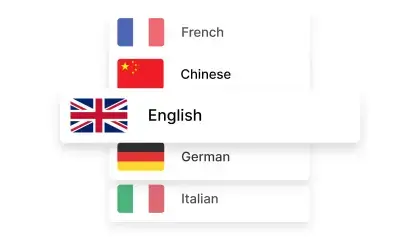
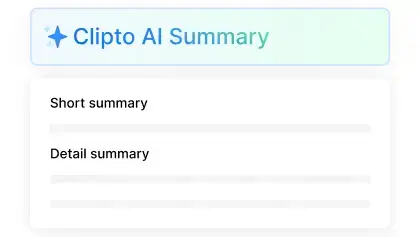
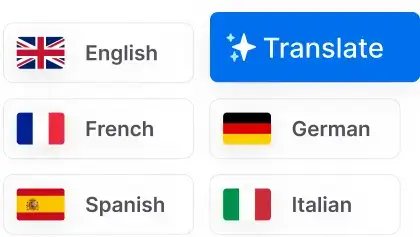
Podcast Transcription with 99+ Languages Support
Transcribe podcast with AI-powered precision and speed, effortlessly supporting transcription in over 99 languages.


Versatile Exporting Solutions
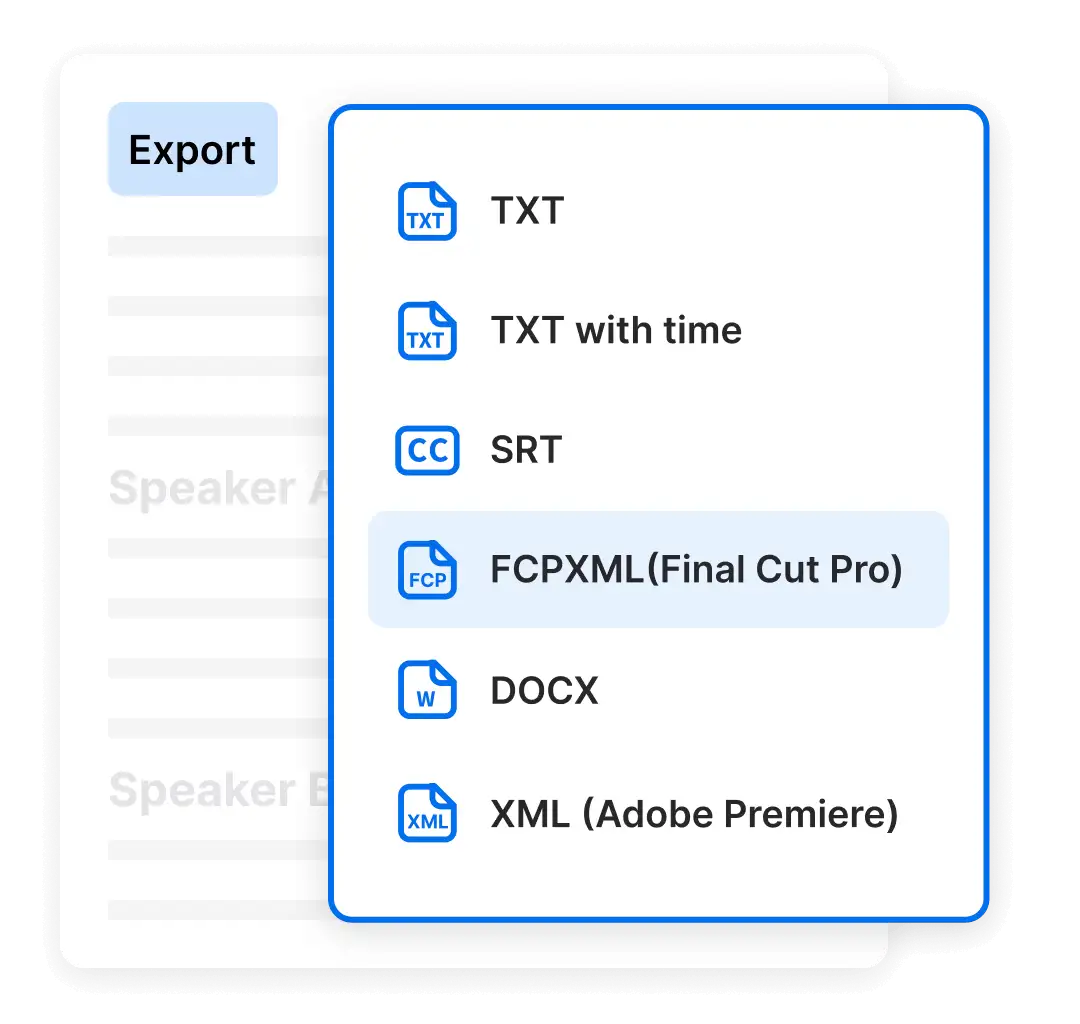
Easily export your podcast transcriptions in a variety of standard formats like SRT, VTT, and plain TXT, or choose Final Cut and PR project formats for seamless integration into your content creation workflow.
- Mp3 to TEXT
- Mp3 to SRT
- Mp3 to VTT
Choose the plan that fits your needs
 Unlimited video & audio searchAutomatic speech transcriptionAutomatic people taggingSupport 99+ languagesAnalyze videos up to 6 hours longAccess to advanced models
Frequently Asked Questions
How accurate is Clipto's podcast transcription software?
How many podcasts can I transcribe?
How Can I Generate a Podcast Transcript with Clipto?
Generating a podcast transcript with Clipto is quick and effortless. Simply follow these steps:
1. Upload Your Podcast Audio or Video – Drag and drop your podcast file, or upload it from your device or cloud storage. Clipto supports a wide range of audio and video formats for seamless transcription.
2. Automatic AI-Powered Transcription – Our advanced AI instantly processes your podcast, generating an accurate transcript in minutes. No manual effort required!
3. Edit and Customize – Fine-tune the transcript with our built-in editor. You can adjust timestamps, correct names, or format the text to match your needs.
4. Multiple Export Options – Download your transcript in a variety of formats, including TXT, SRT, and VTT, for captions and subtitles. Need advanced integration? Export directly to Final Cut Pro (FCP) or Adobe Premiere (PR) for professional video editing.
5. Translate and Optimize – Expand your podcast’s reach with built-in translation support, enabling your content to be accessible in 99+ languages.
How long does it take to generate a transcript for a 10-minute podcast?
What if my podcast has multiple speakers?
Can I cancel my subscription anytime?
Is Clipto secure?
How is Clipto different from other video transcription tools?
By joining Clipto, you gain:
1. Extensive Language Support: Clipto supports over 99 languages, making it versatile for global audiences.
2. Exceptional Accuracy: Enjoy highly accurate transcriptions, surpassing many other tools on the market.
3. Unlimited Transcriptions: With a subscription, there are no limits on the number of files you can transcribe.
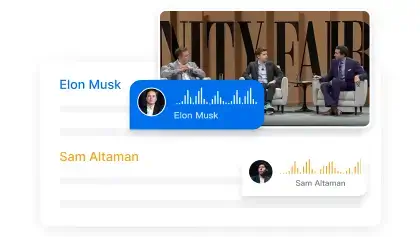
4. Advanced Speaker Identification: Clipto excels at distinguishing and identifying multiple speakers in audio and video, making it ideal for recordings with several participants.