Record and Transcribe Audio Online
Record and transcribe online with Clipto.
Convert voice into transcripts with AI summaries, multilingual support, and secure export options.
Features of Audio-to-Text Converter
Why Clipto
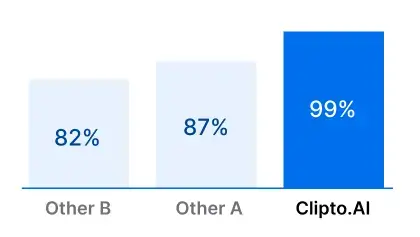
Clipto is your all-in-one platform for transcription and content handling. Whether you're a journalist, creator, or researcher, you’ll get accurate transcripts and helpful tools like a YouTube downloader and video summarizer—all built to simplify your workflow.
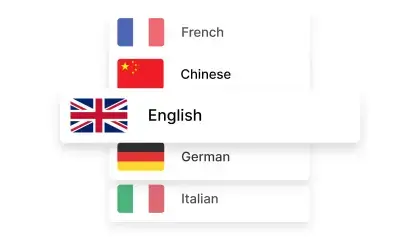
Convert Audio to Text in 99+ Languages
Transcribe audio to text with our AI-powered tool, ensuring accuracy in over 99 languages.


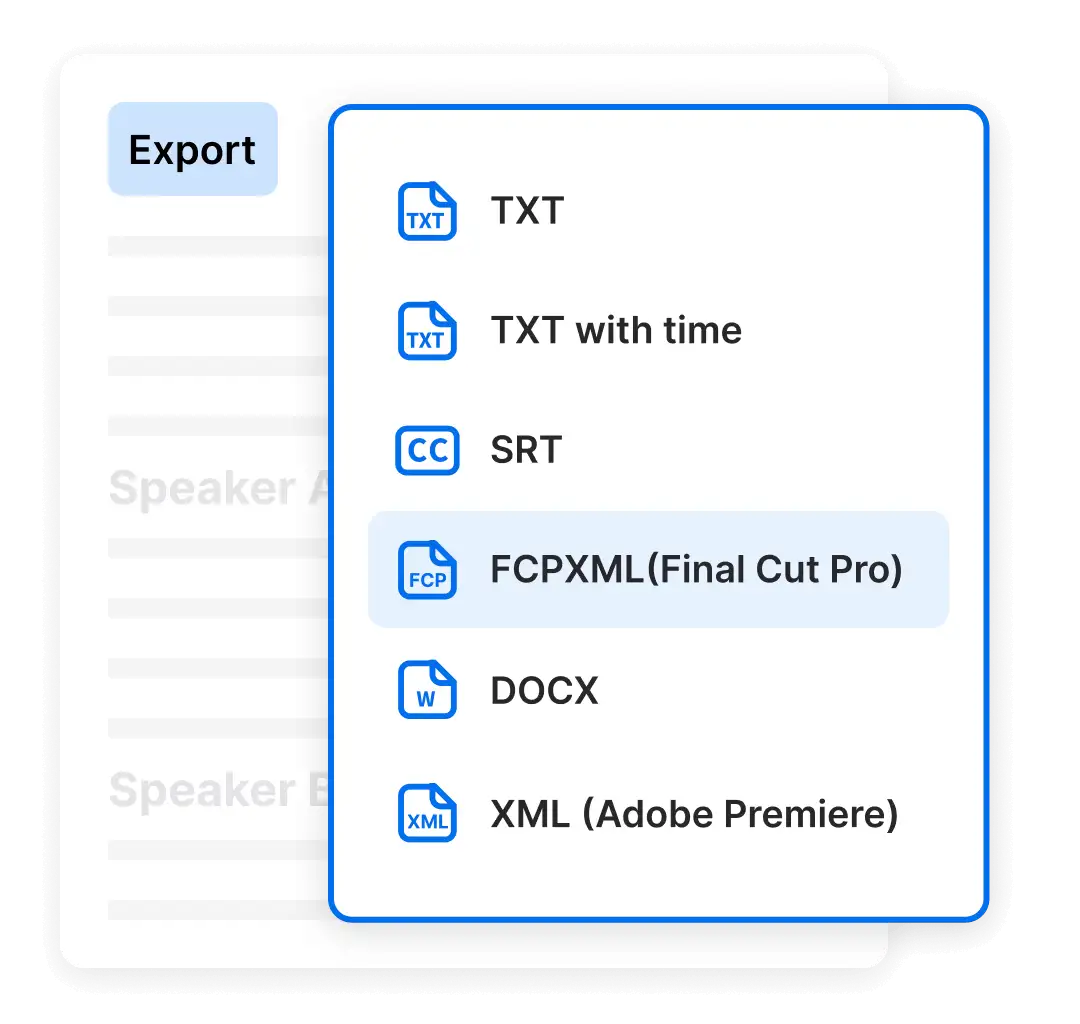
Versatile Exporting Solutions
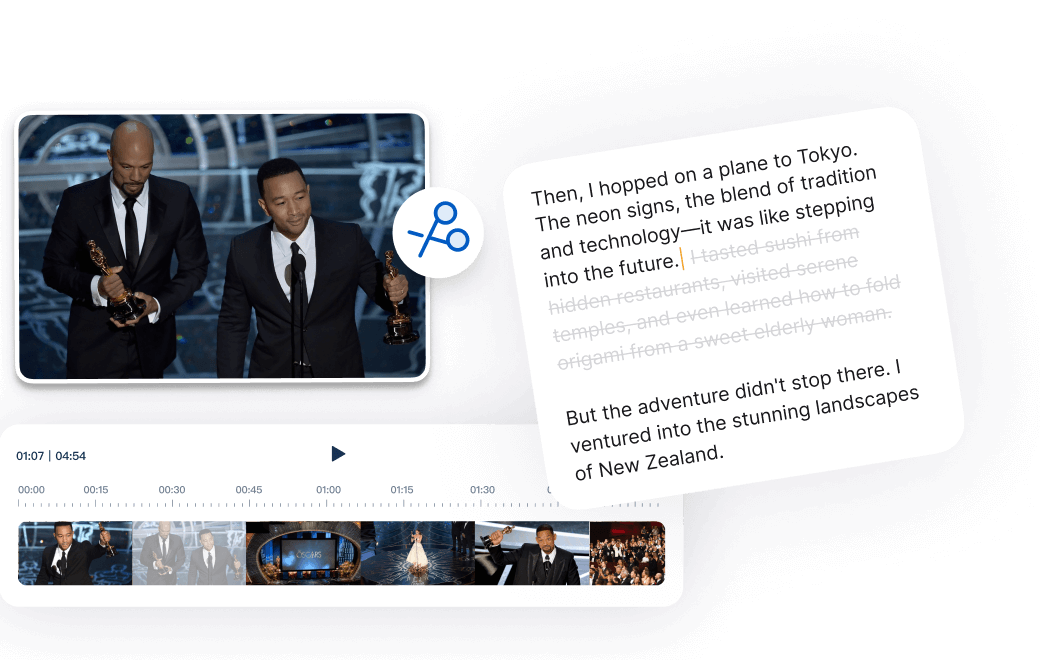
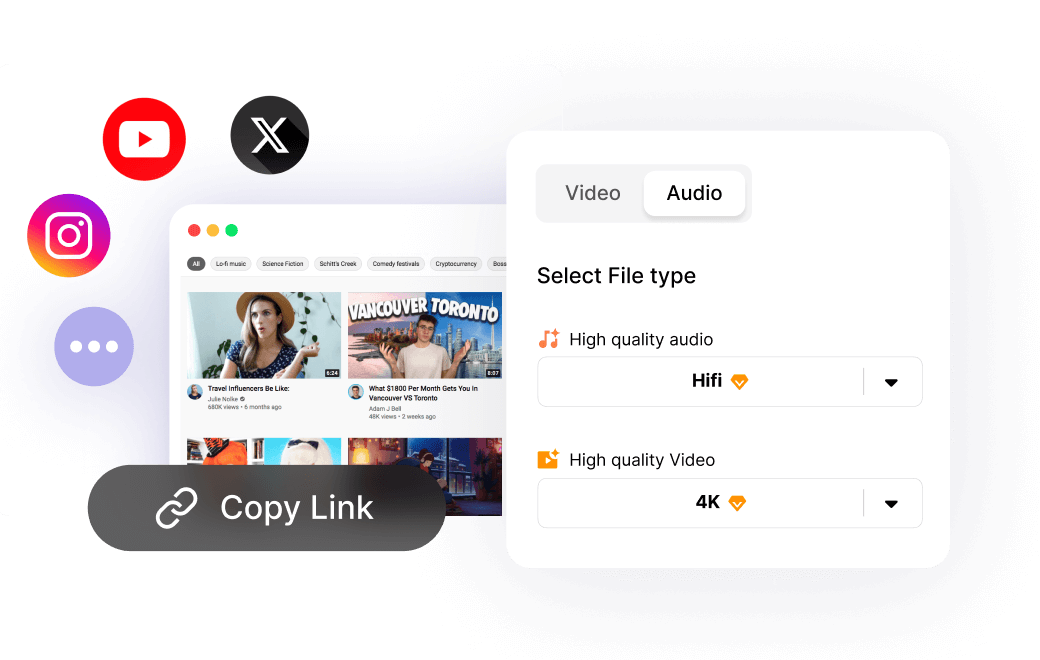
Easily transcribe audio to text and export in popular formats like SRT, VTT, and TXT, or directly to Final Cut and Premiere project formats for seamless content workflow integration.
- Mp3 to TEXT
- Mp3 to SRT
- Mp3 to VTT
Choose the plan that fits your needs
 Unlimited video & audio searchAutomatic speech transcriptionAutomatic people taggingSupport 99+ languagesAnalyze videos up to 6 hours longAccess to advanced models
Frequently Asked Questions
How do I record and transcribe online?
How do I record and transcribe on iPhone?
To get started, open the Record and Transcribe tool on your iPhone and tap Start Recording. Once you grant microphone access, the tool will begin capturing your audio clearly and securely. You don’t need to keep the page open; recording will continue in the background, and our screen-lock prevention feature ensures the process won’t be interrupted.
After recording, you can set the audio language for transcription and enable speaker separation. Upload is fast, and within moments, you’ll get an editable transcript to refine or summarize.
How do I record voice and convert it to text?
Click Start Recording, grant microphone access, and speak naturally while the tool captures your voice. Once finished, you can set the language for transcription and enable speaker separation.
After upload, our tool quickly converts speech into accurate, easy-to-read text. You can edit the transcript, highlight key points, or generate AI-powered summaries.
If you already have a recording, simply upload the file with our Audio to Text tool for fast and accurate transcription.
How can I record and transcribe meetings?
You can record meetings directly through the tool by clicking Start Recording and granting microphone access. The system captures every voice clearly, even if you switch tabs.
Once the meeting ends, upload the recording for instant transcription. Our AI will generate an accurate, editable transcript where different speakers can be automatically identified and labeled. You can refine the text, highlight action points, or create summaries. Finally, download the transcript or keep the original audio for your records, making it easy to share notes with your team and never miss a detail.
Is there a free recorder and transcriber?
Do I need to stay on the page while recording?
Can the tool handle multiple speakers?
Is transcription available in multiple languages?
Does it generate summaries of my recordings?
Can I also transcribe videos?
What transcript export formats are supported?
How does Clipto handle my documents?
Start your FREE trial now!
How to Record and Transcribe
1. Record
Click "Start Recording" and grant microphone access. You don't need to stay on the page as the voice recording continues in the background.
On mobile, screen-lock prevention ensures smooth recording.


2. Transcribe and Edit
After finishing the recording, you can choose a translation language, enable speaker separation, and proceed with fast upload and transcription.

3. Download
Save your transcripts instantly by downloading either the text or your original recording.

Advanced Voice Recorder and Transcriber

Record and transcribe with advanced AI. Capture conversations, lectures, interviews, and meetings with precision, and turn them into accurate, ready-to-use transcripts.

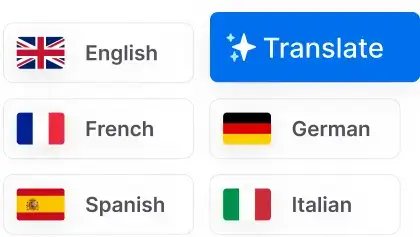
Support for multiple languages with high accuracy. Break down language barriers and transcribe content in your preferred language with ease.

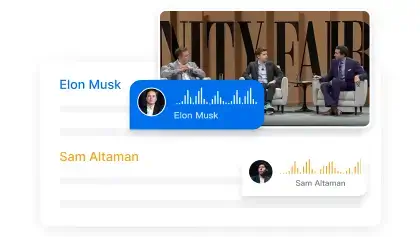
Automatically identify and label different speakers in your recordings. Perfect for interviews, meetings, and multi-person conversations.

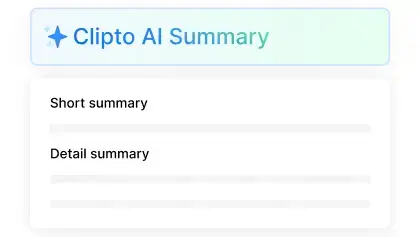
Get intelligent summaries of your recordings powered by advanced AI. Extract key points, action items, and insights automatically.